FOAMS Brand Guidelines
We've created a set of guidelines to help you bring our brand to life consistently across every touchpoint. On this page you'll find our high-level guidelines and assets you'll need. Feel free to use any assets in this document for our communication, and create new ones following the guides on this document.
Logo
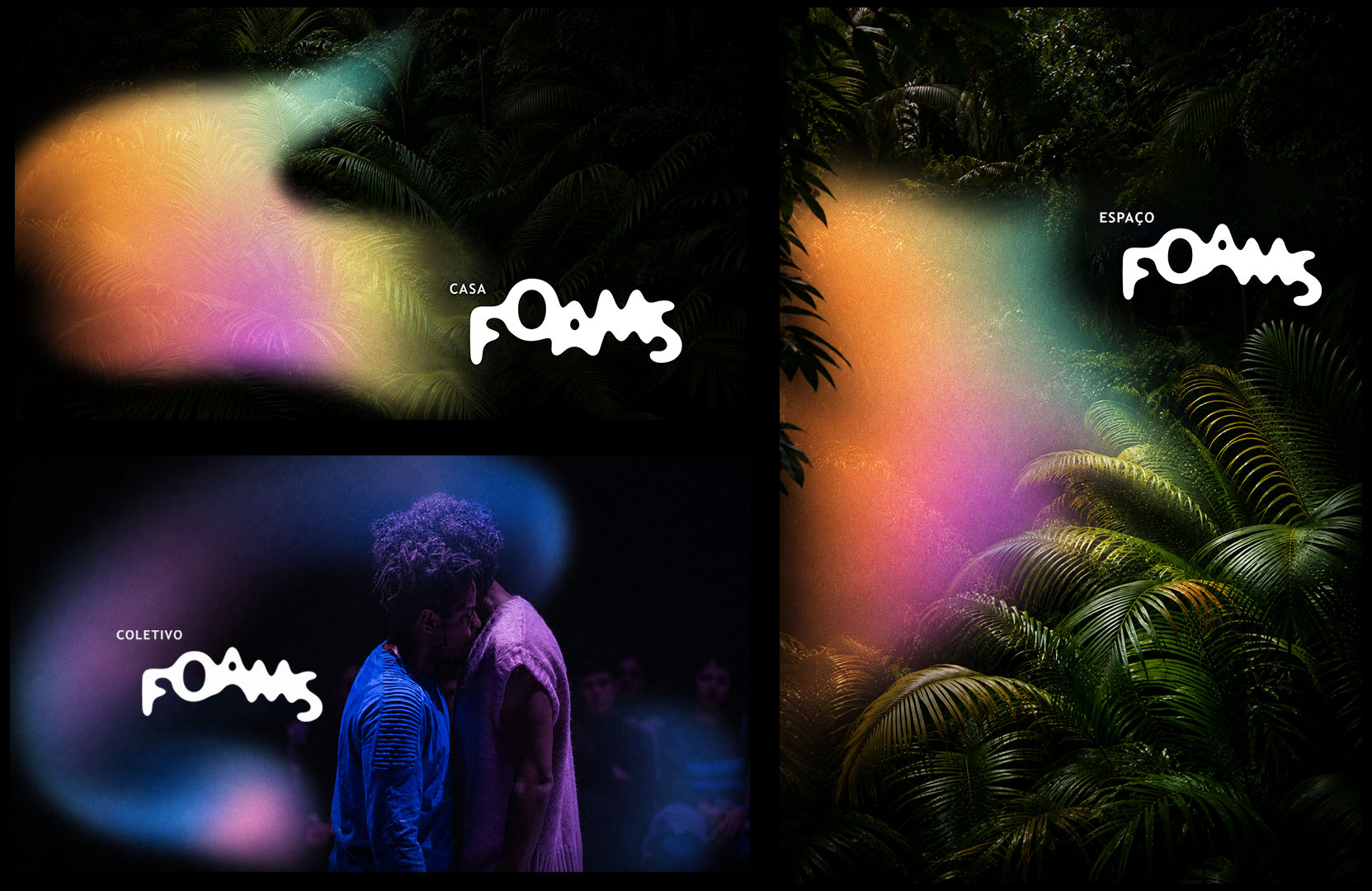
Our logo is the cornerstone of our identity. Use it consistently and give it room to breathe. Ideally you should use the FOAMS LOGO GENERATOR tool every time you need a logo, to make it fluid. Our logo is always changing.
Primary Logo

Secondary Logo — with brand color
Logo with Title
A title text can also be added. In case of Portuguese it should be located on the top left corner. In case of English it should be located on the bottom right corner.
FOAMS não possui um único título, sinta-se livre para usar diferentes títulos em diferentes contextos, como Casa, Espaço, Coletivo, Base, Estúdios, etc.. — no gerador de logo é possível escolher diferentes títulos.
Portuguese — top left

English — bottom right

FOAMS Logo Generator
Open Logo GeneratorPreferably always make a logo in which the letters are closely connected and look very watery — fluid. But feel free to also explore different ways of using the logo generator tool.
You can also add a title text in the generator by clicking the Title buttons, in case it's needed.
Different Usage of Logo
Feel free to go crazy with the logo!






Animated Logo
It's also possible to animate the logo using the logo generator tool to be used in videos, websites and social media.

Color
Our palette is bold and minimal. Pink is our signature — electric and unmistakable. The dark tones ground it with depth.
Typography
Two typefaces, each with a clear role. Averia Serif Libre leads all titles and headings. Trebuchet MS handles body text.
In Use
Graphic Elements
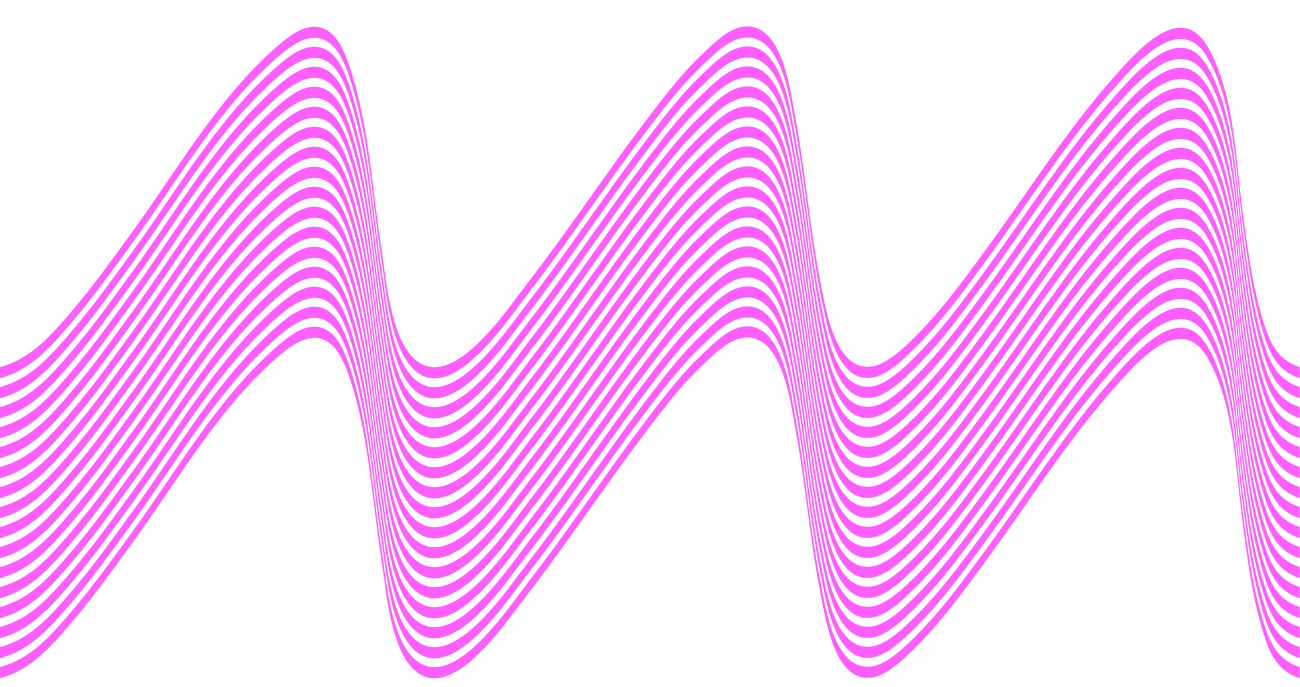
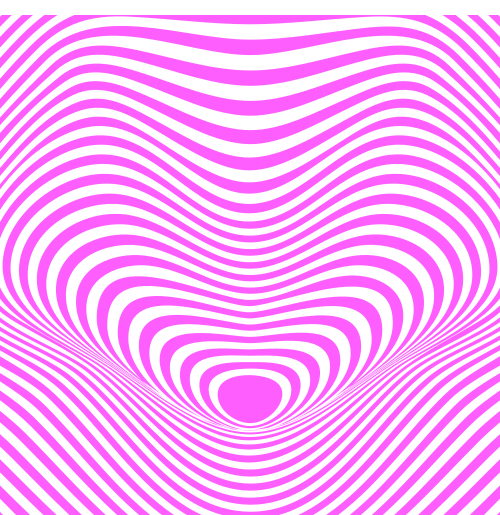
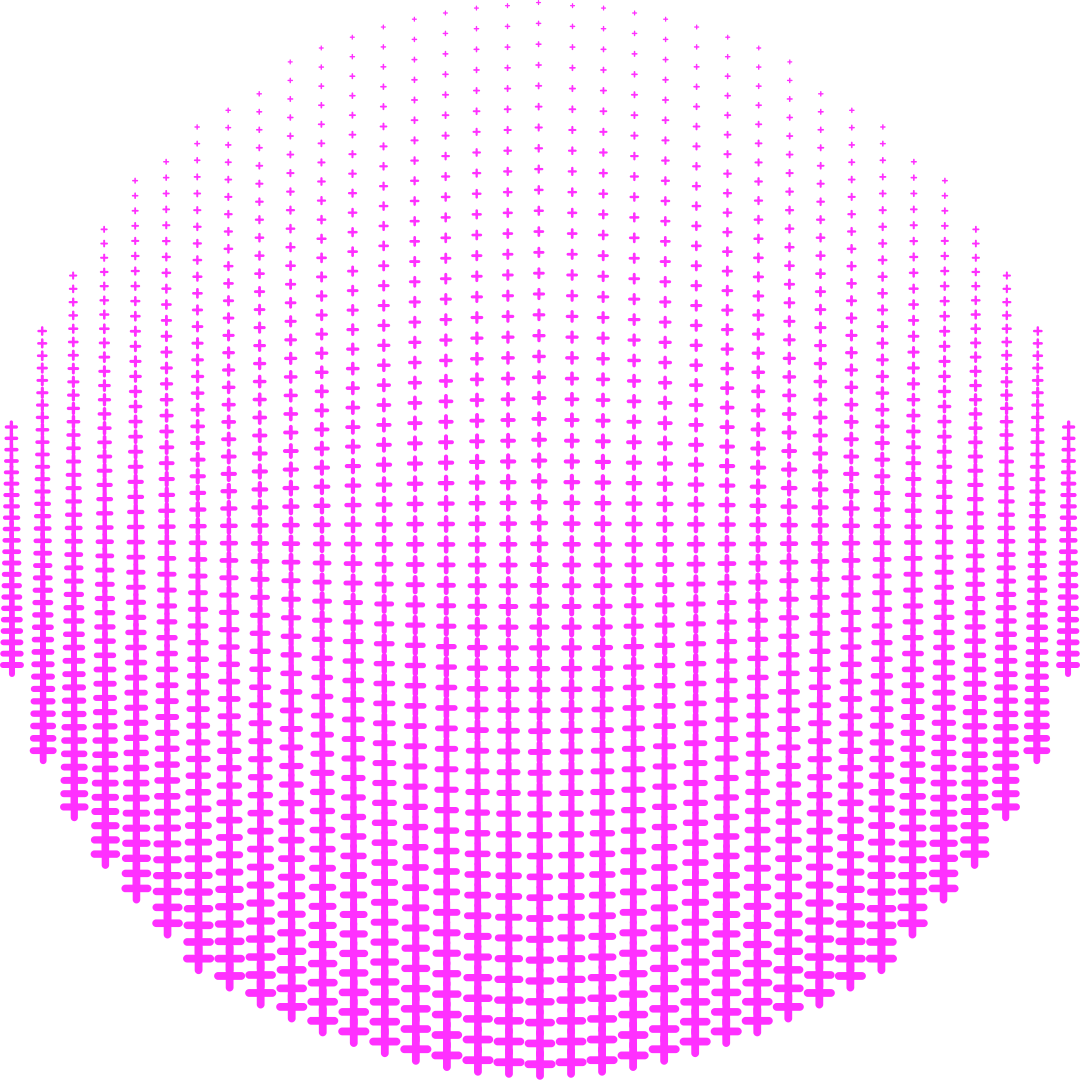
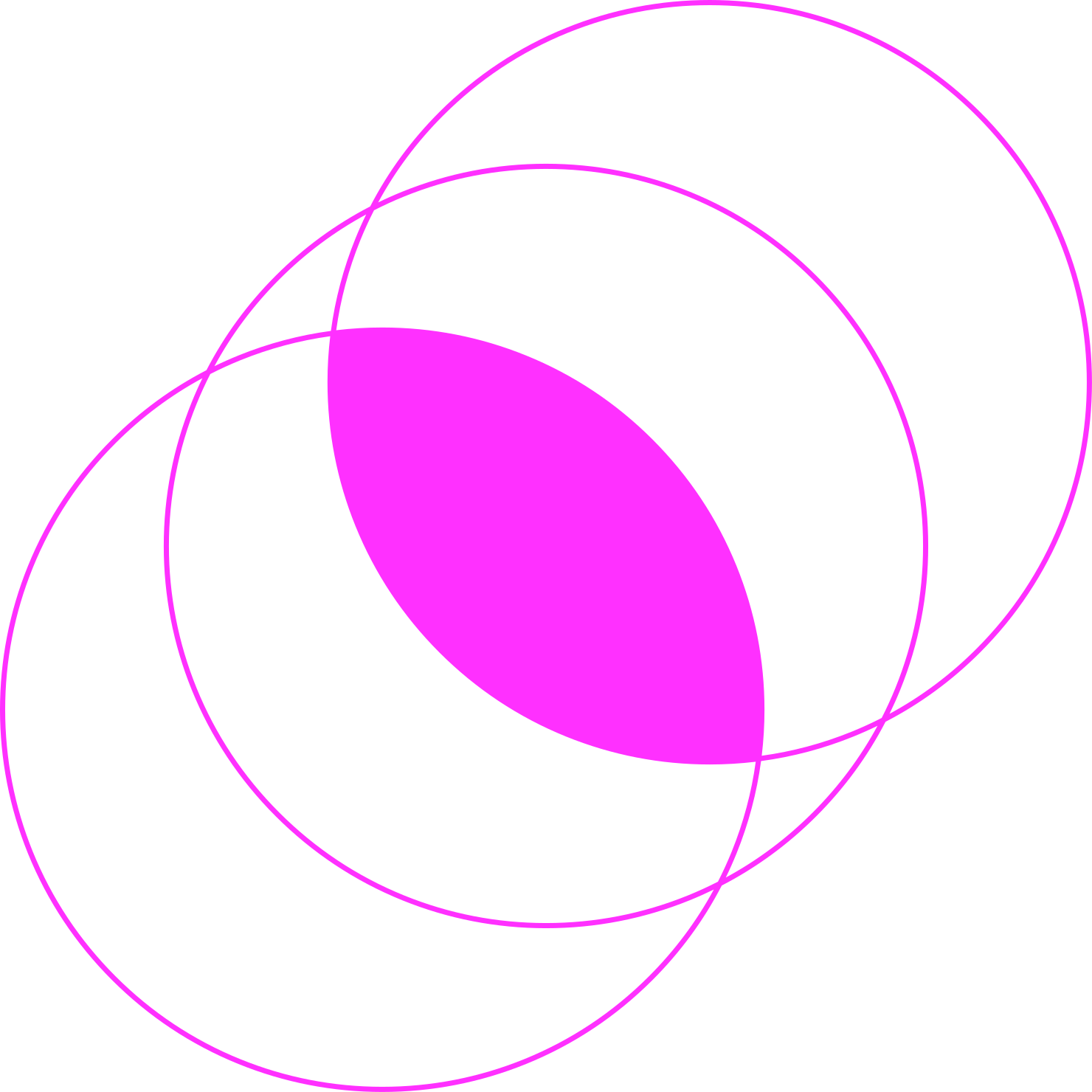
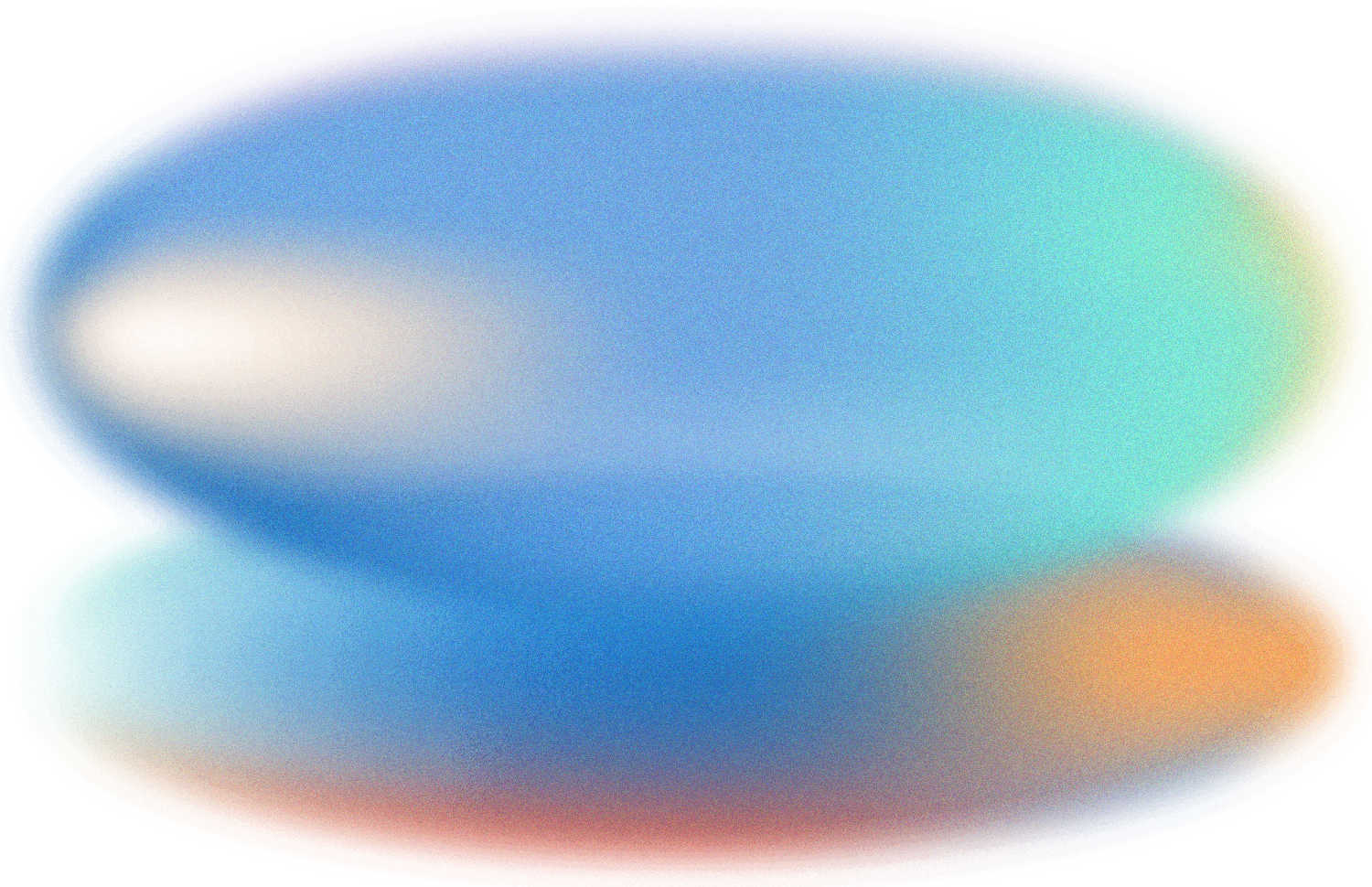
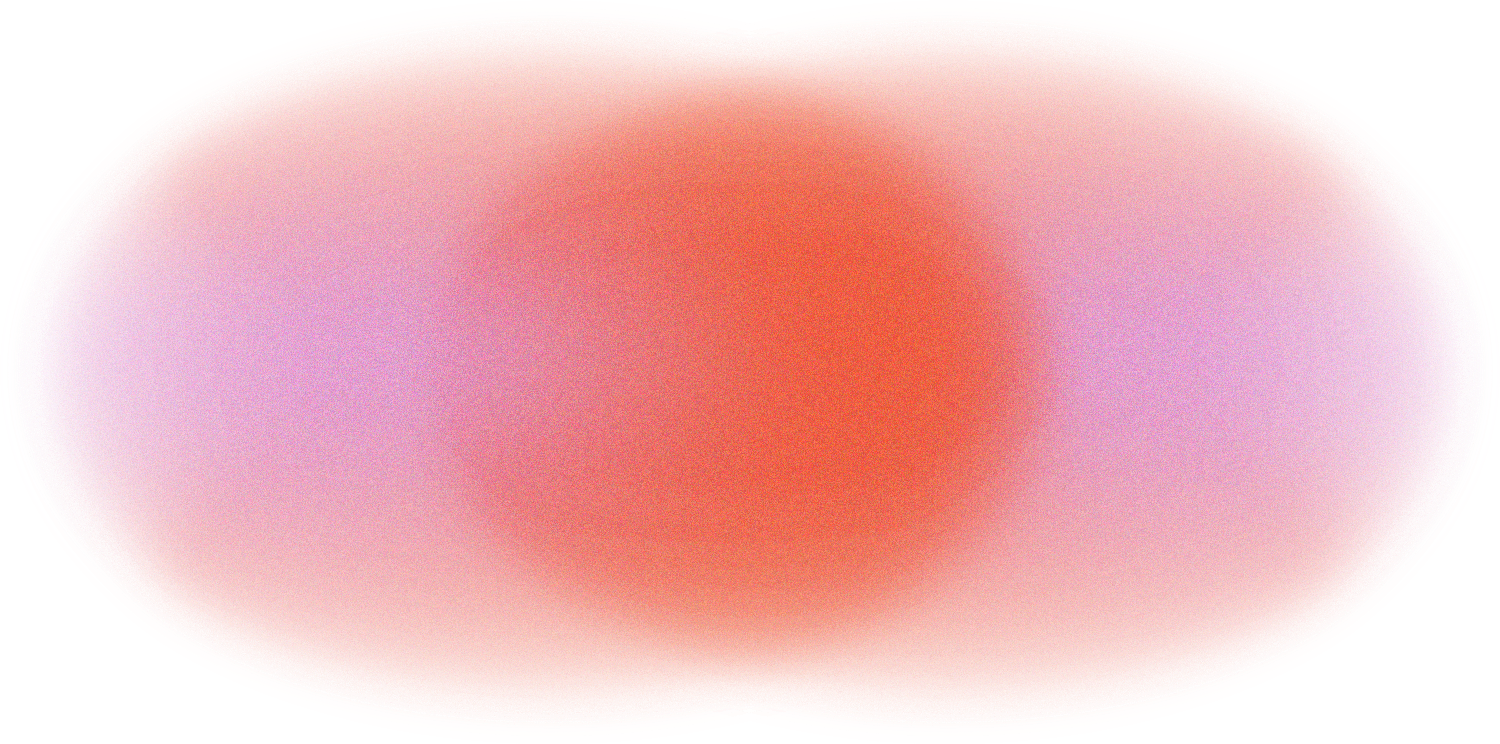
Our graphic language is built around two distinct visual styles. Each brings a different energy — use them individually or in combination.
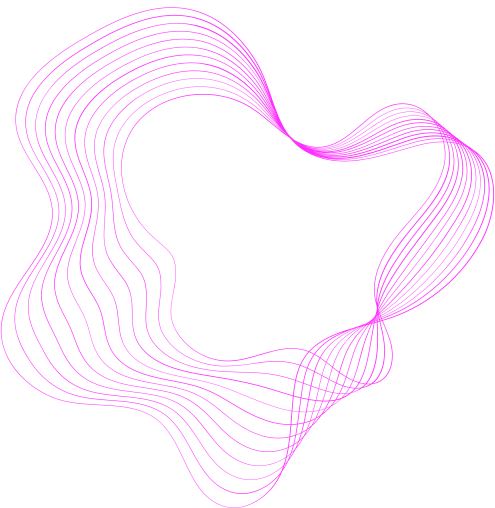
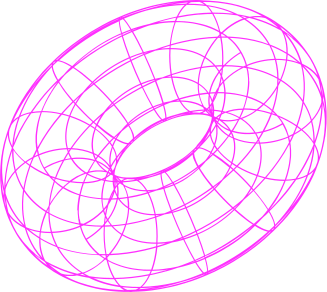
Pink Vectors
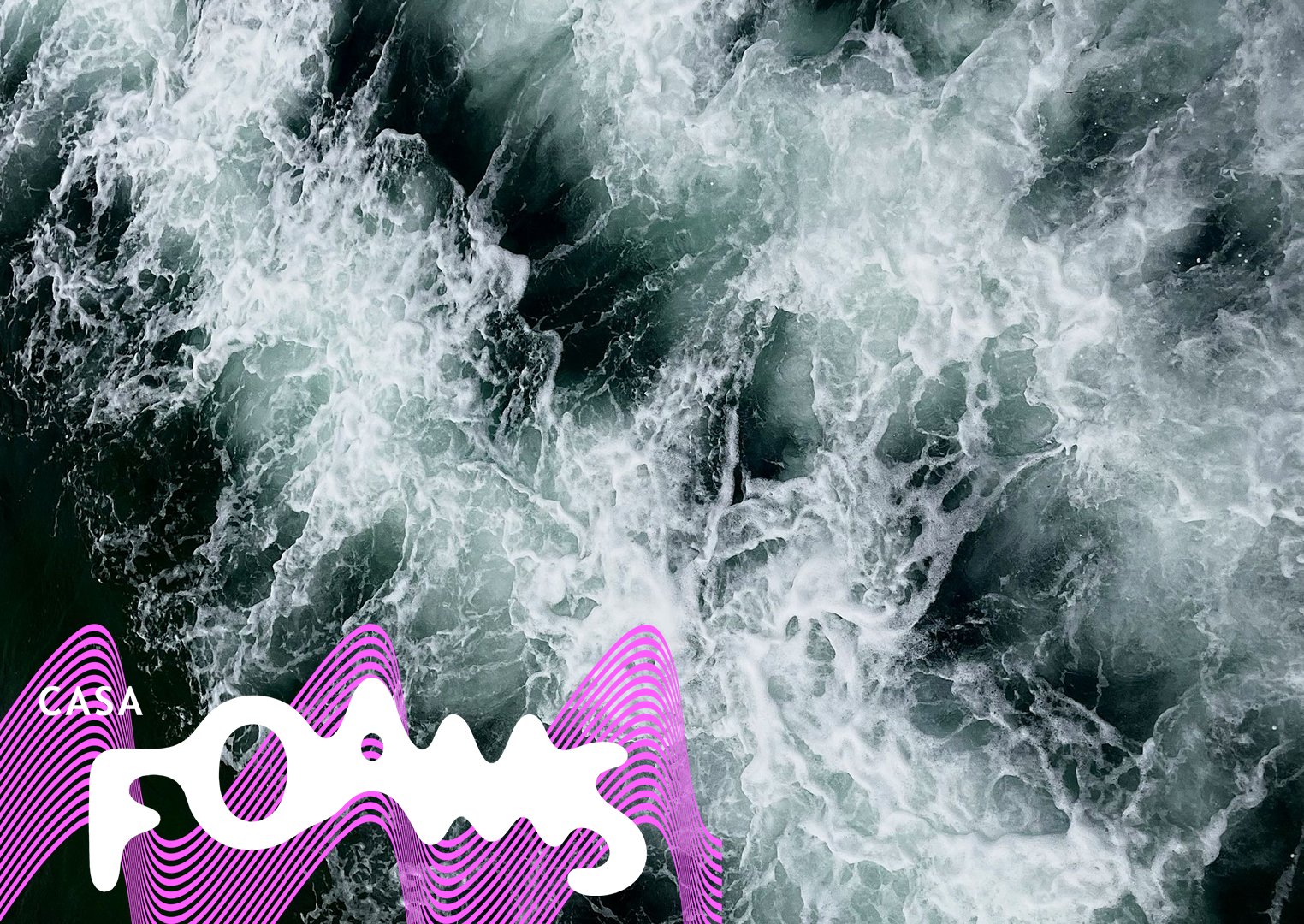
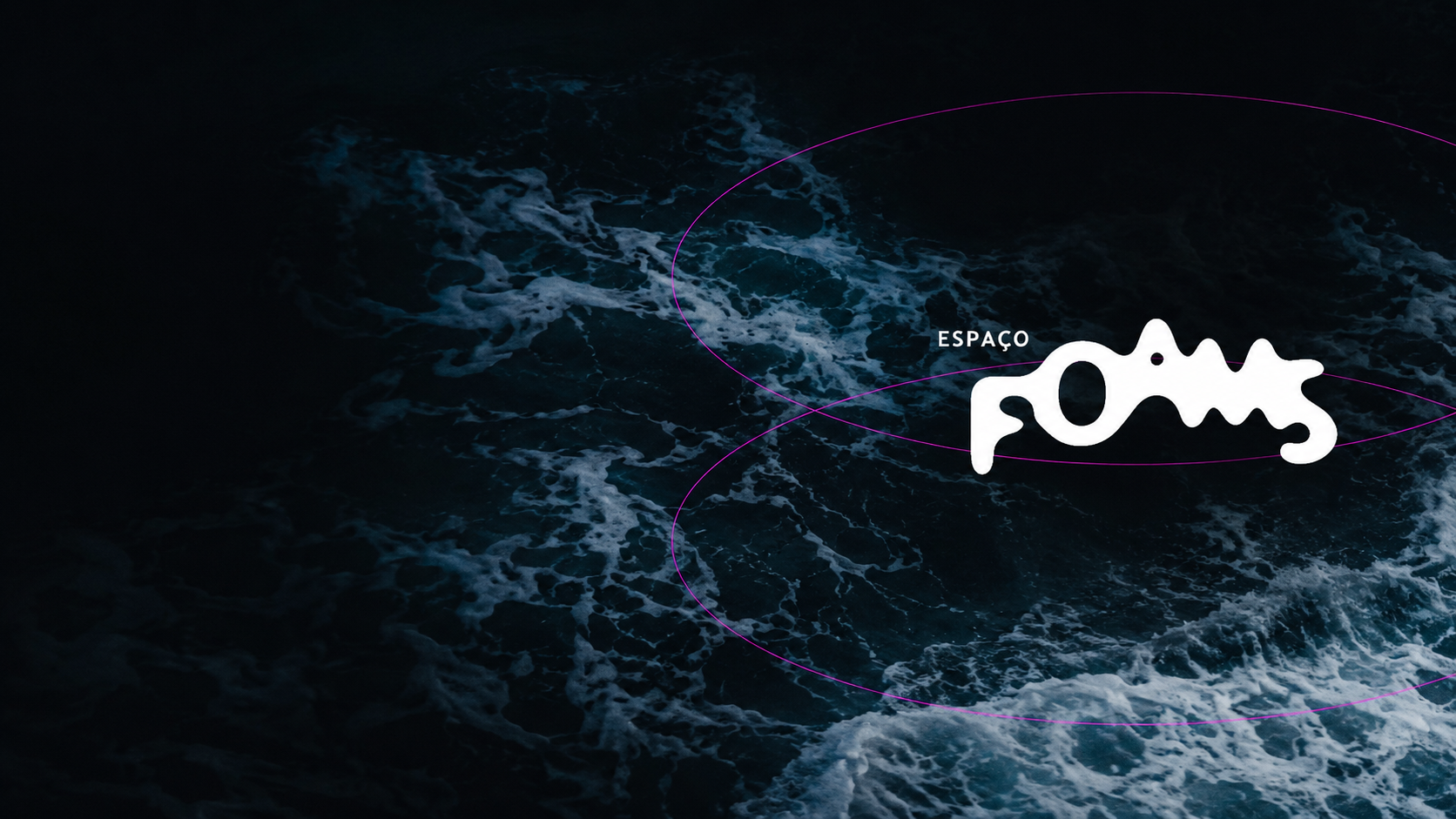
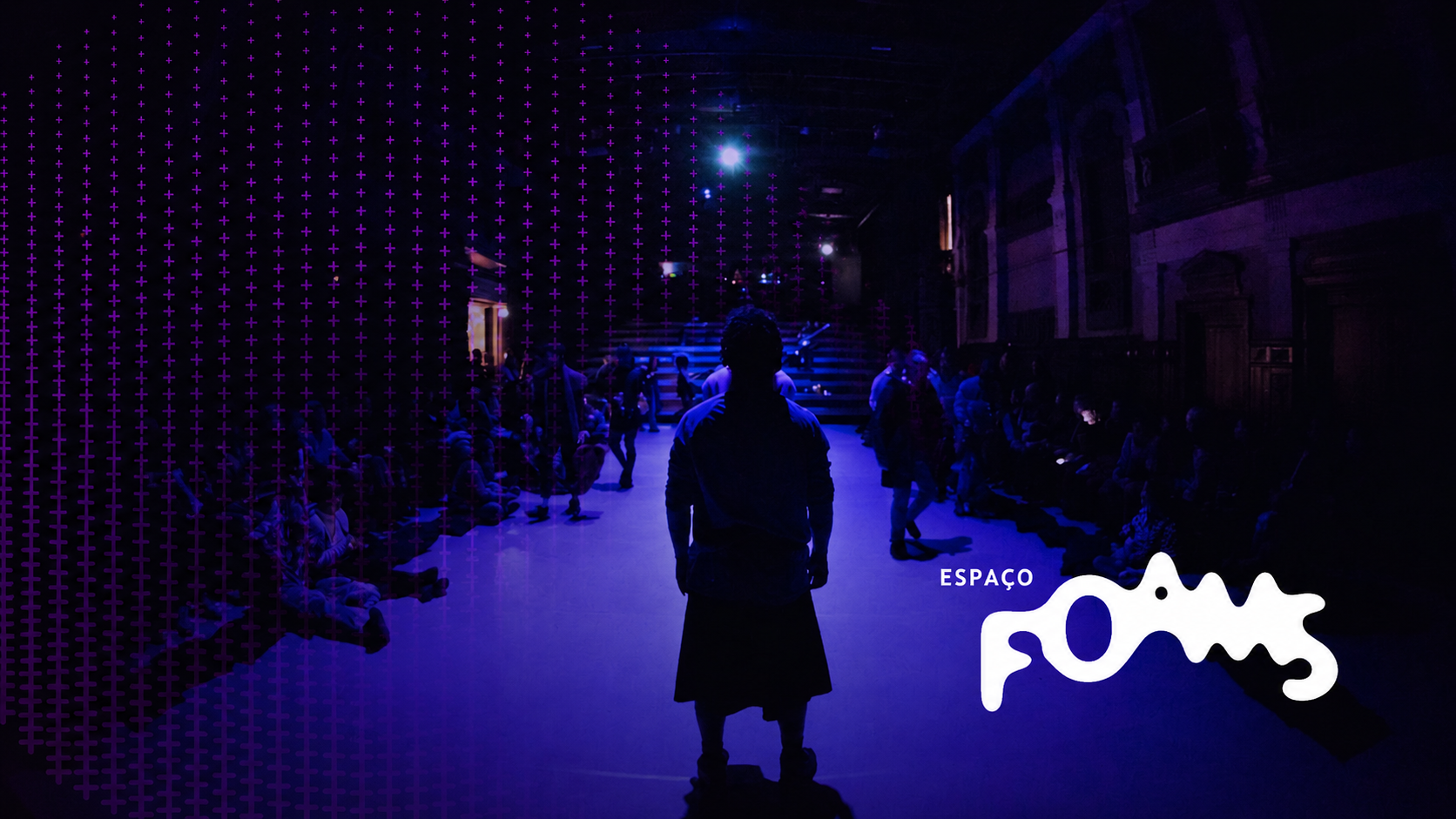
Bold magenta lines, curves, and geometric forms. Use on dark backgrounds for maximum impact.
✅ Pair with: Water images only


Focus Light
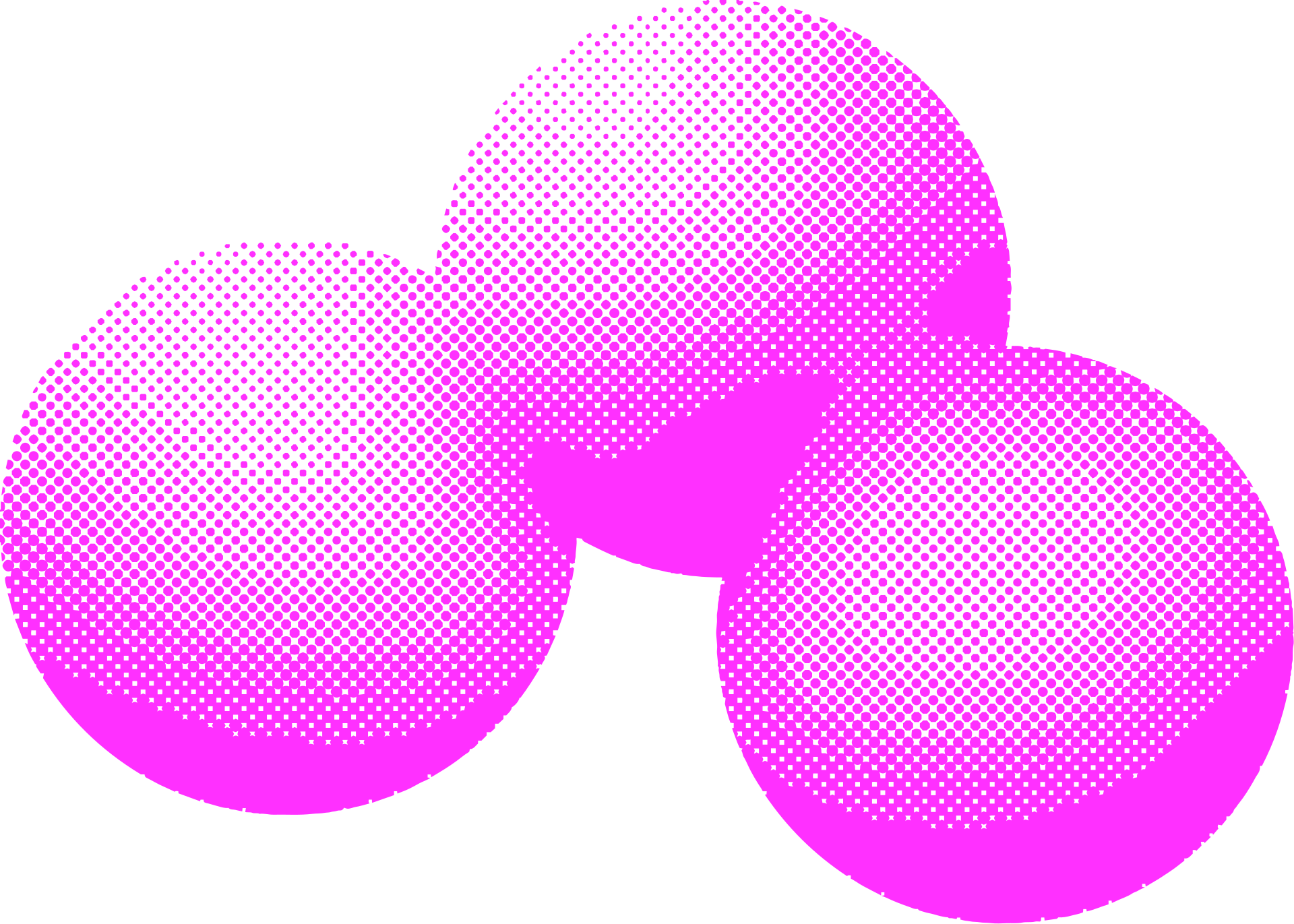
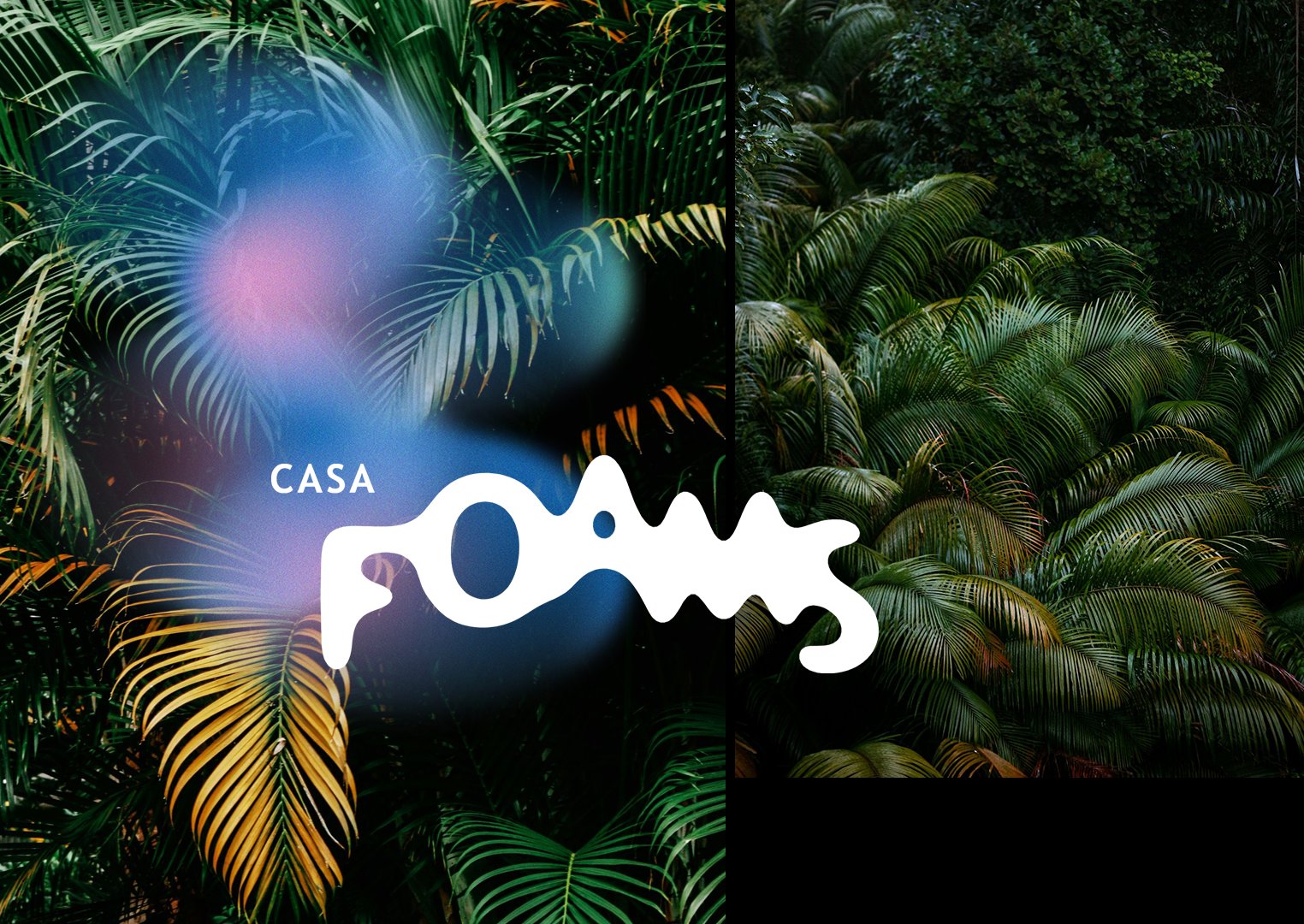
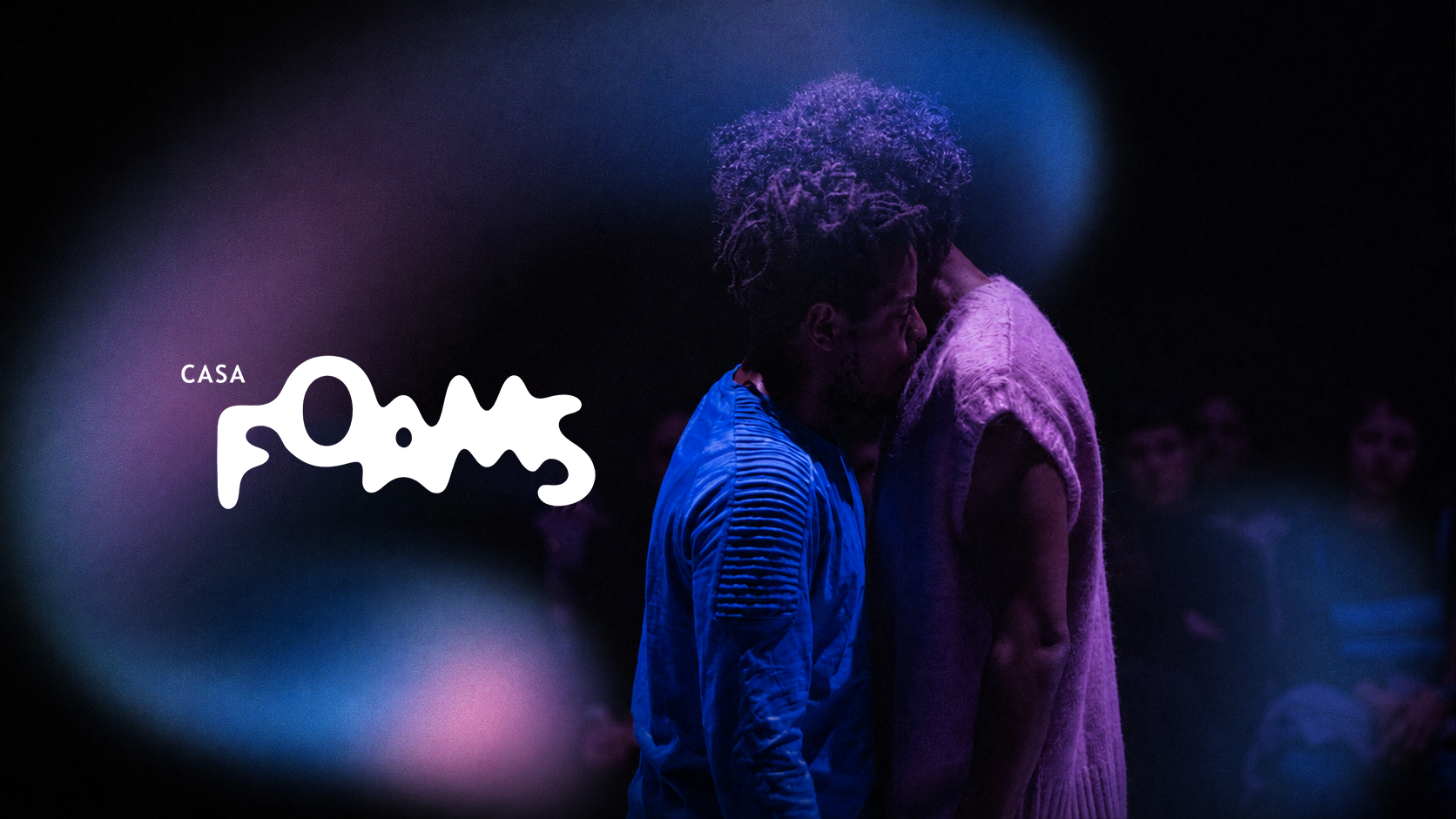
Concentrated light effects, glows, and radial highlights creating depth and drama.
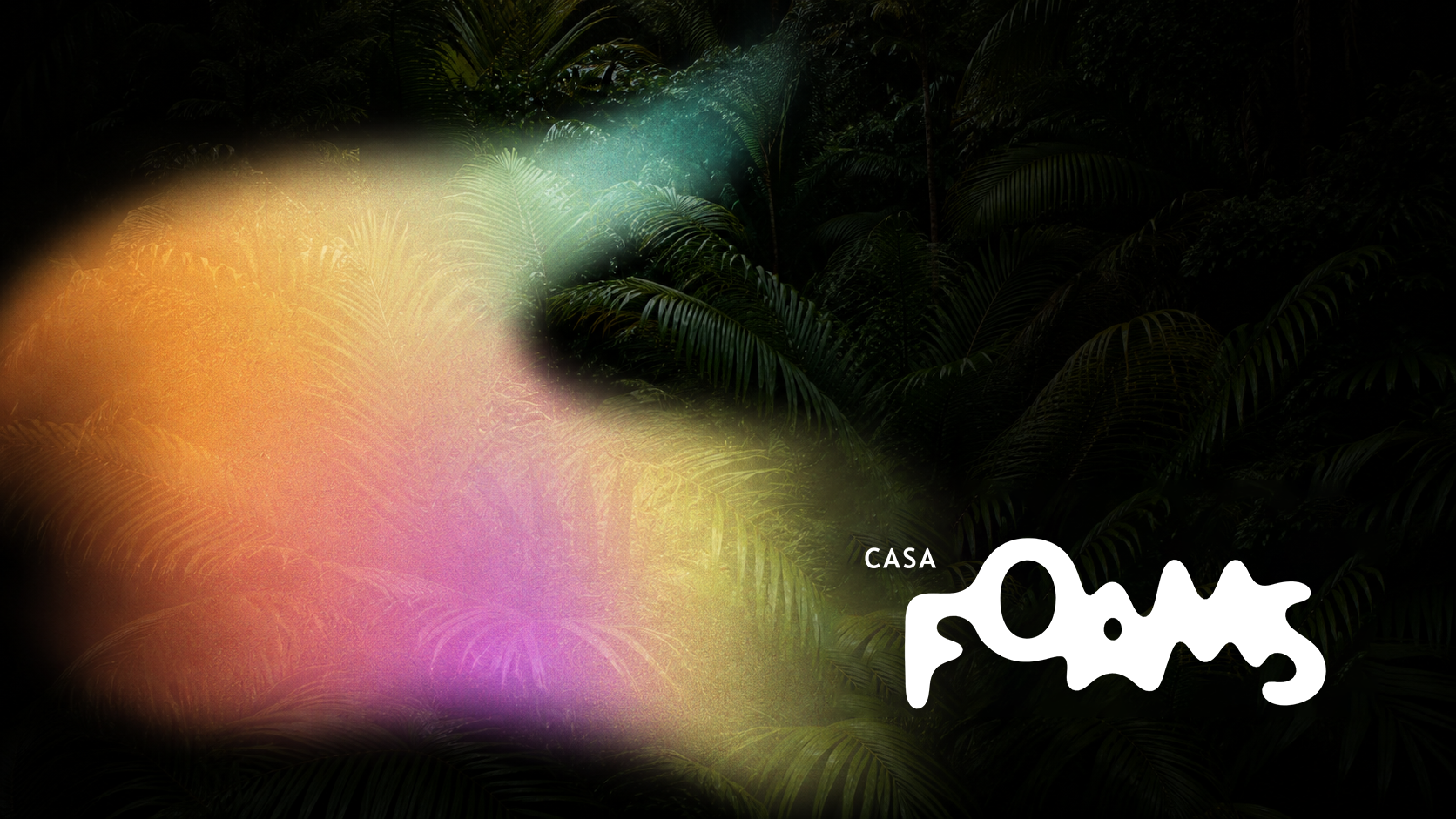
✅ Pair with: Tropical images only
How to Combine Elements + Images
Each graphic element style is designed to pair with a specific image category. Follow these rules for a consistent and intentional visual result.
Photos & Images
Our imagery is organized into three visual territories, each capturing a different dimension of the FOAMS world.
Tropical
Images of plants, forest, lush natural environments.
✅ Use with: Focus Light only
Landscape





Portrait
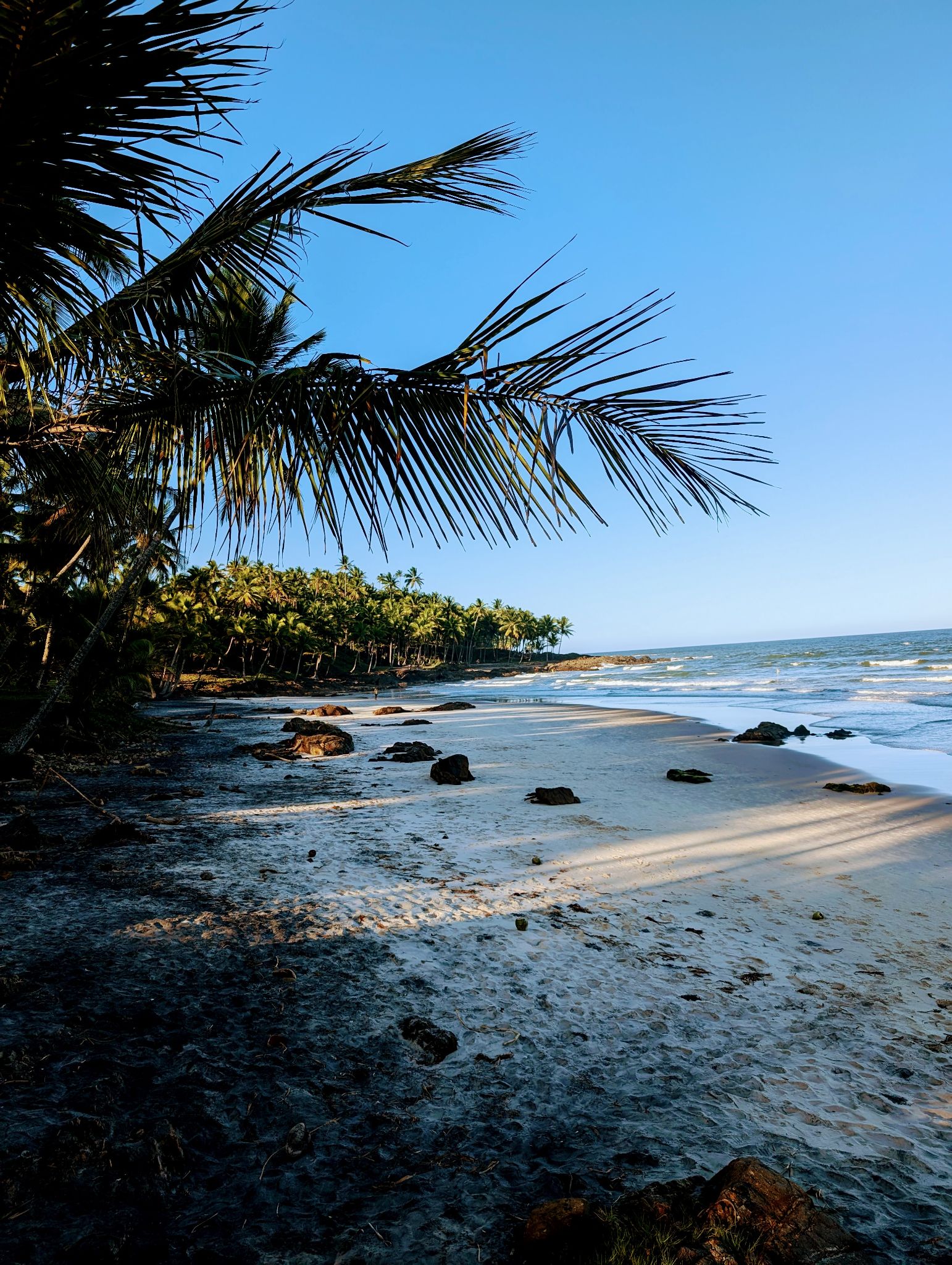
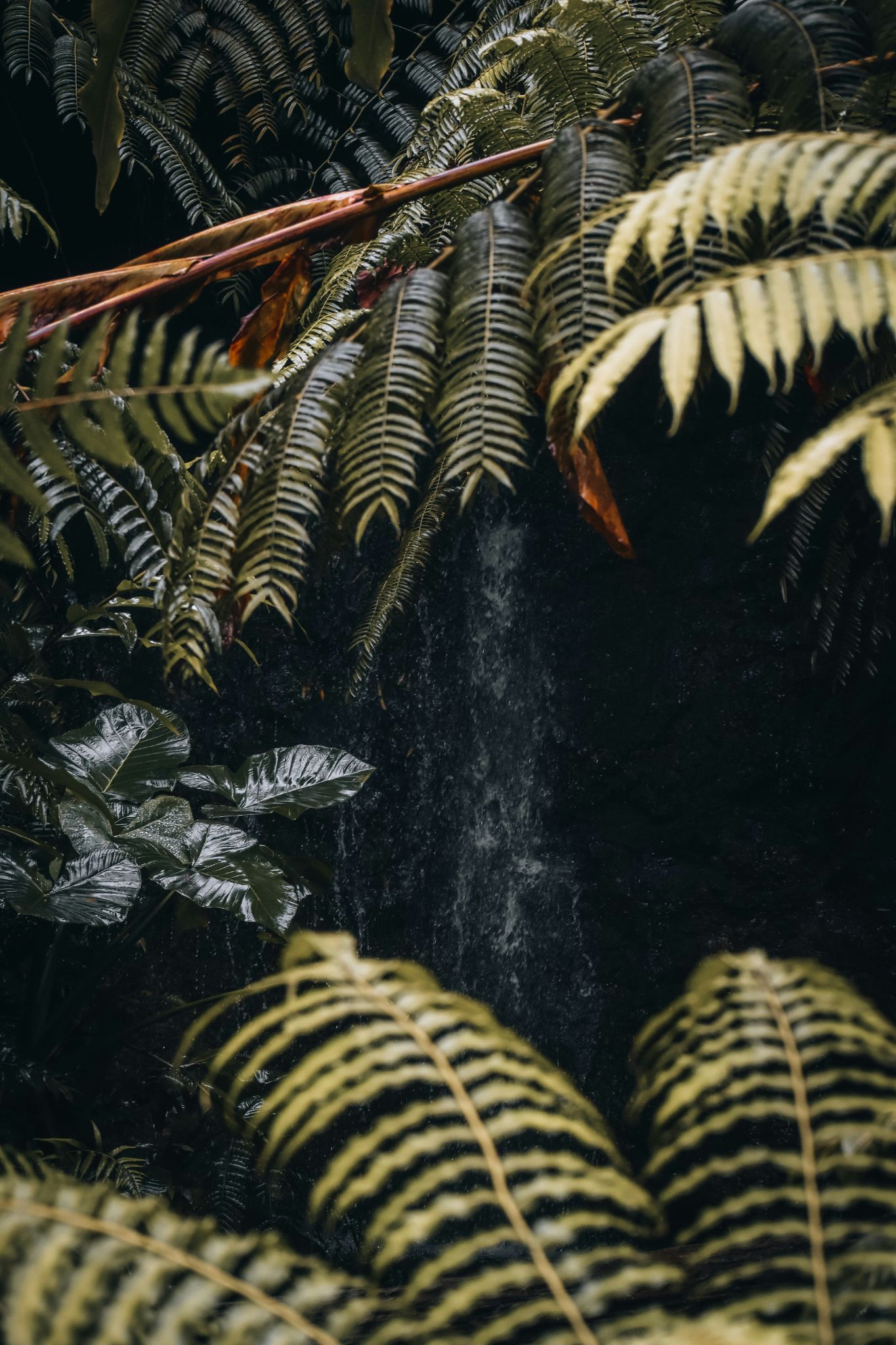



💡 In case you need more images: make sure they are from inside an atlantic jungle or forest, especially close-ups. Never showing too much open angles or far away angles.
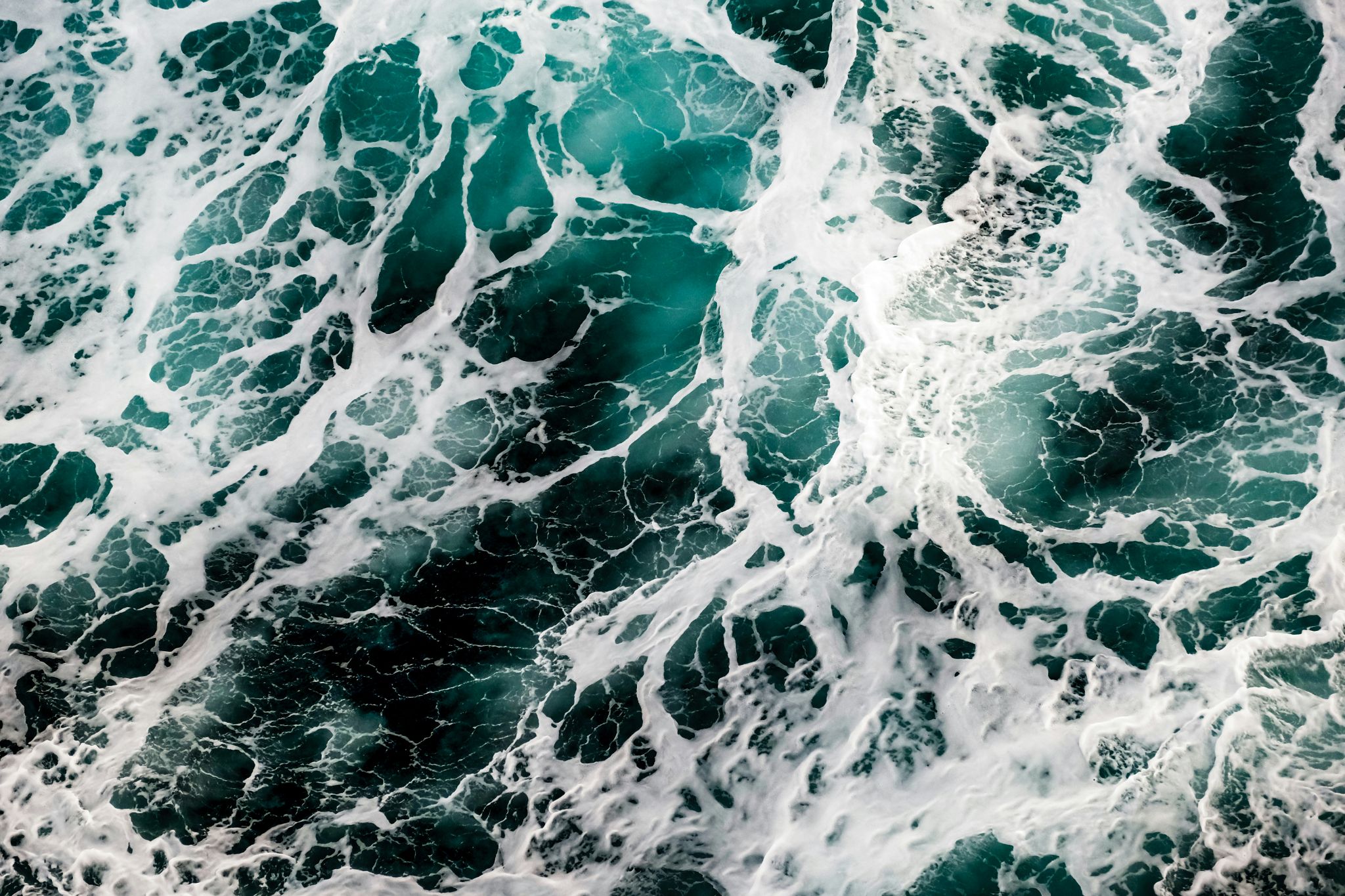
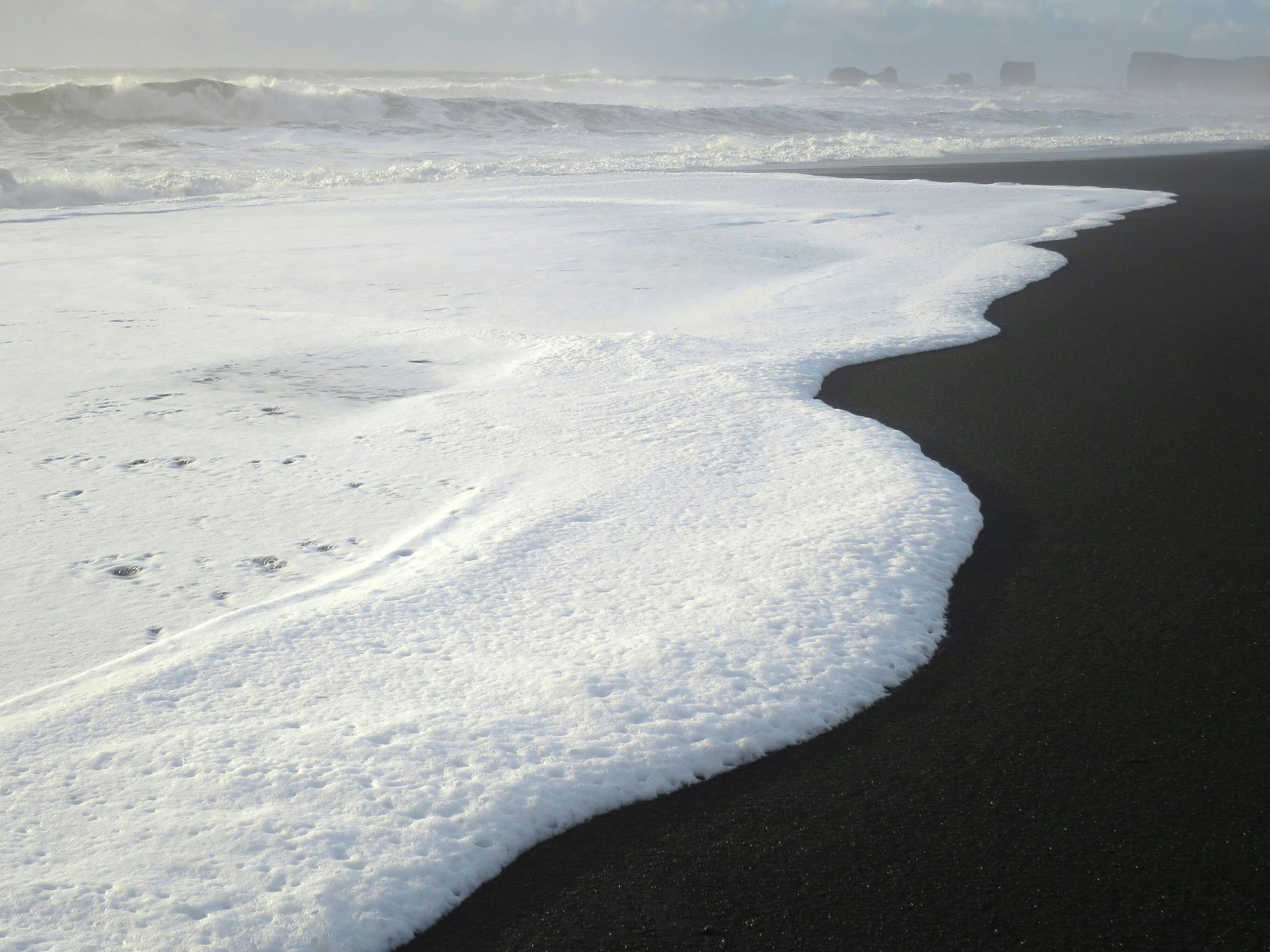
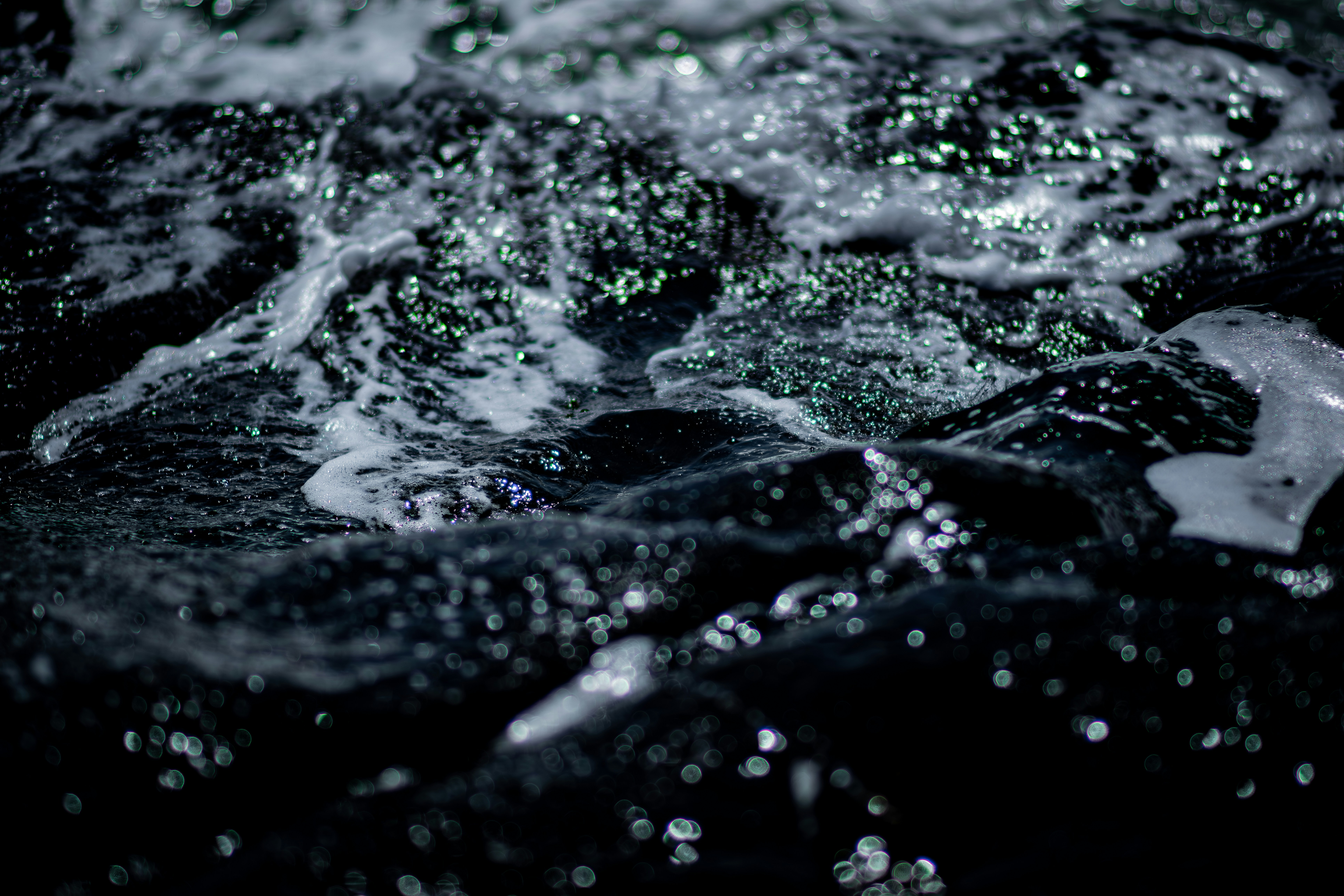
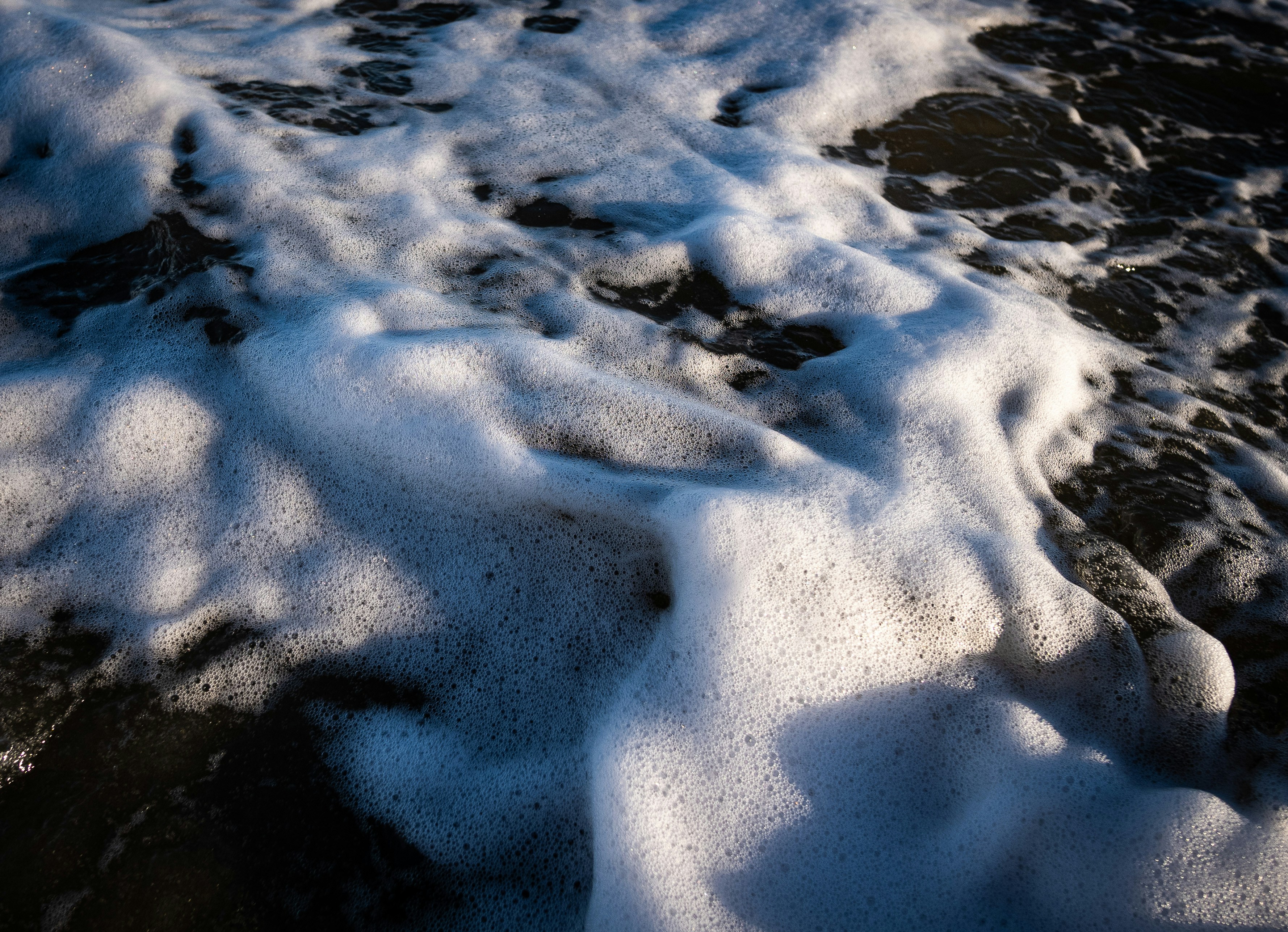
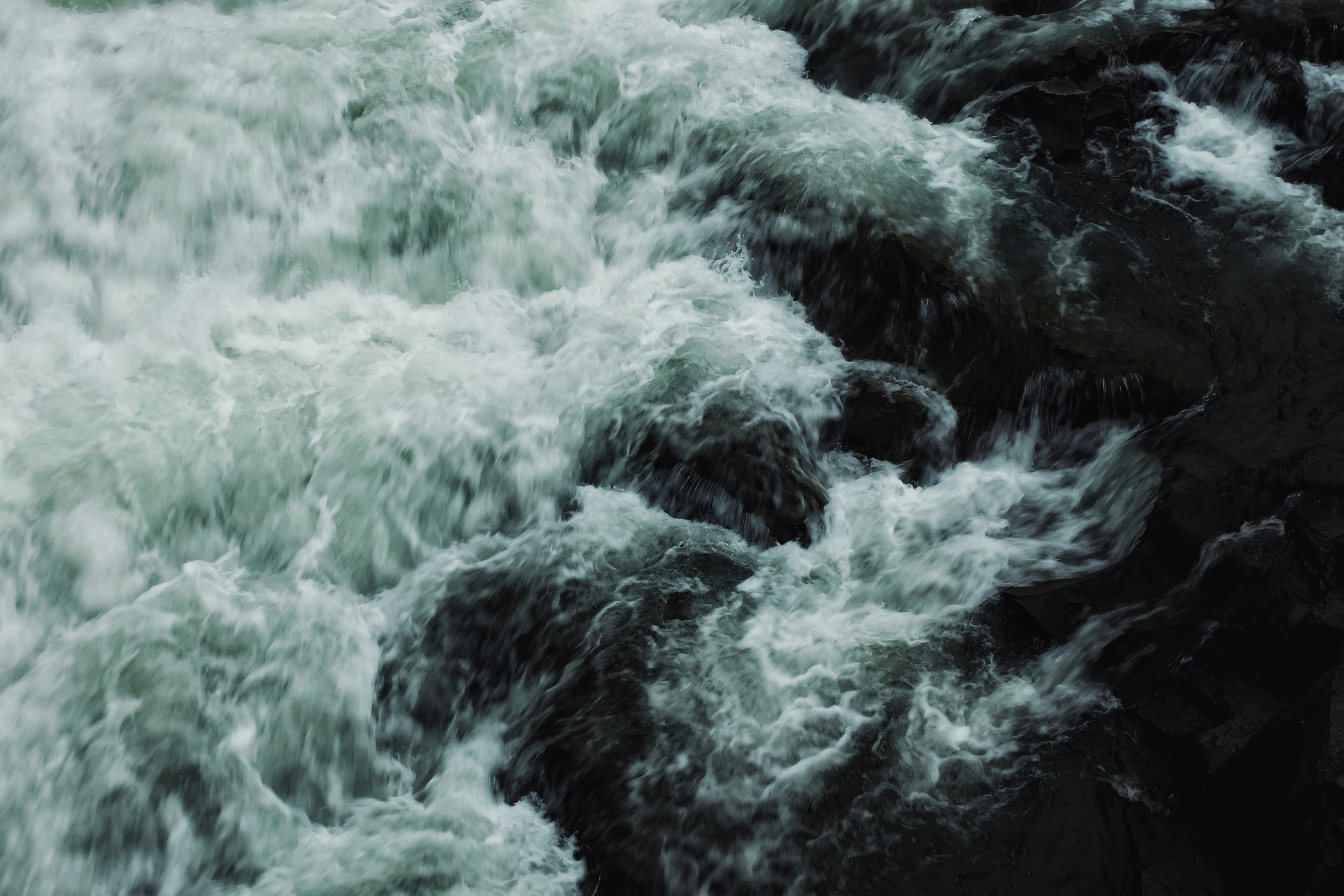
Water
Foaming waves, water in motion, aquatic textures.
✅ Use with: Pink Vectors only
Landscape
Portrait
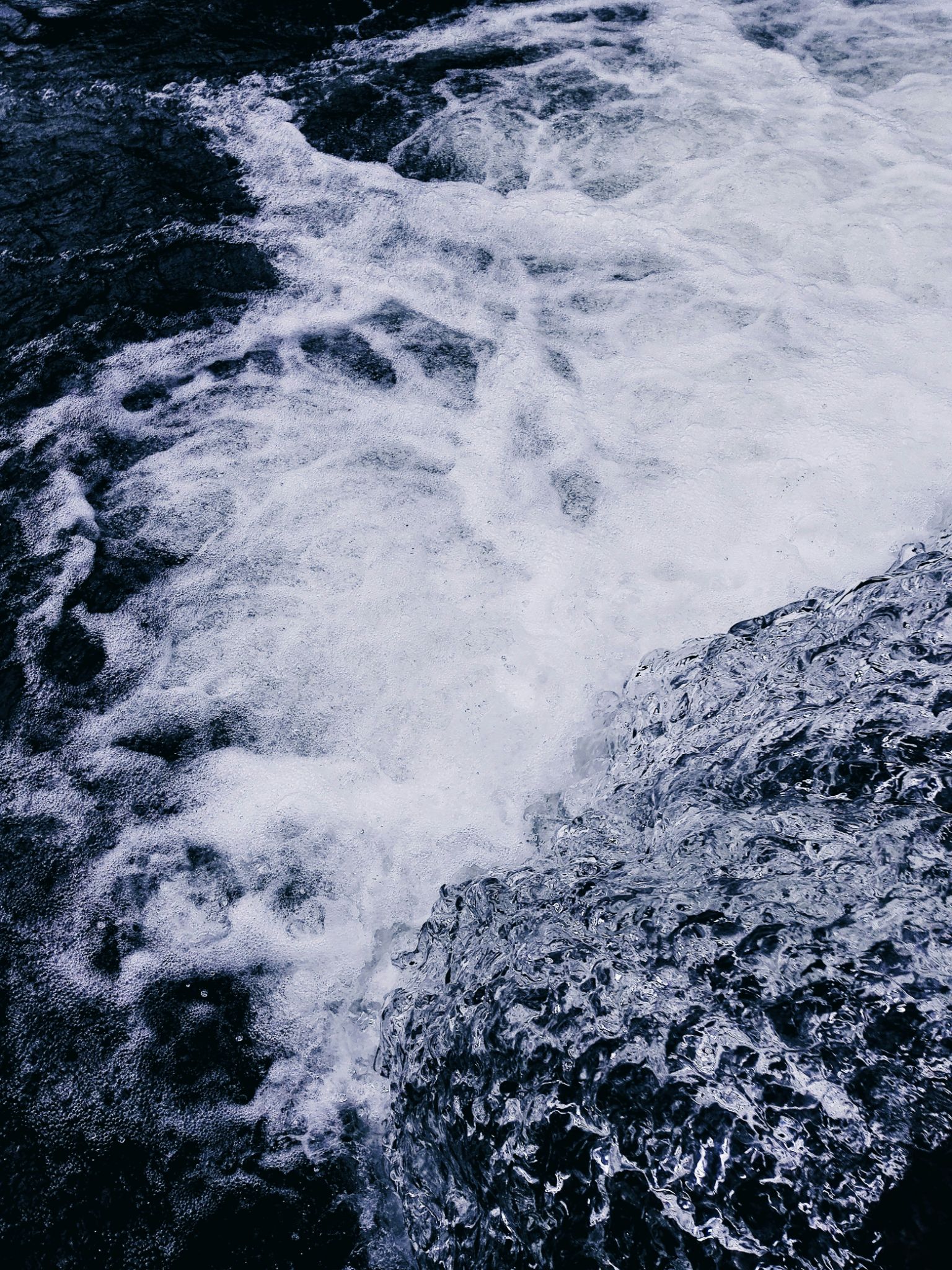
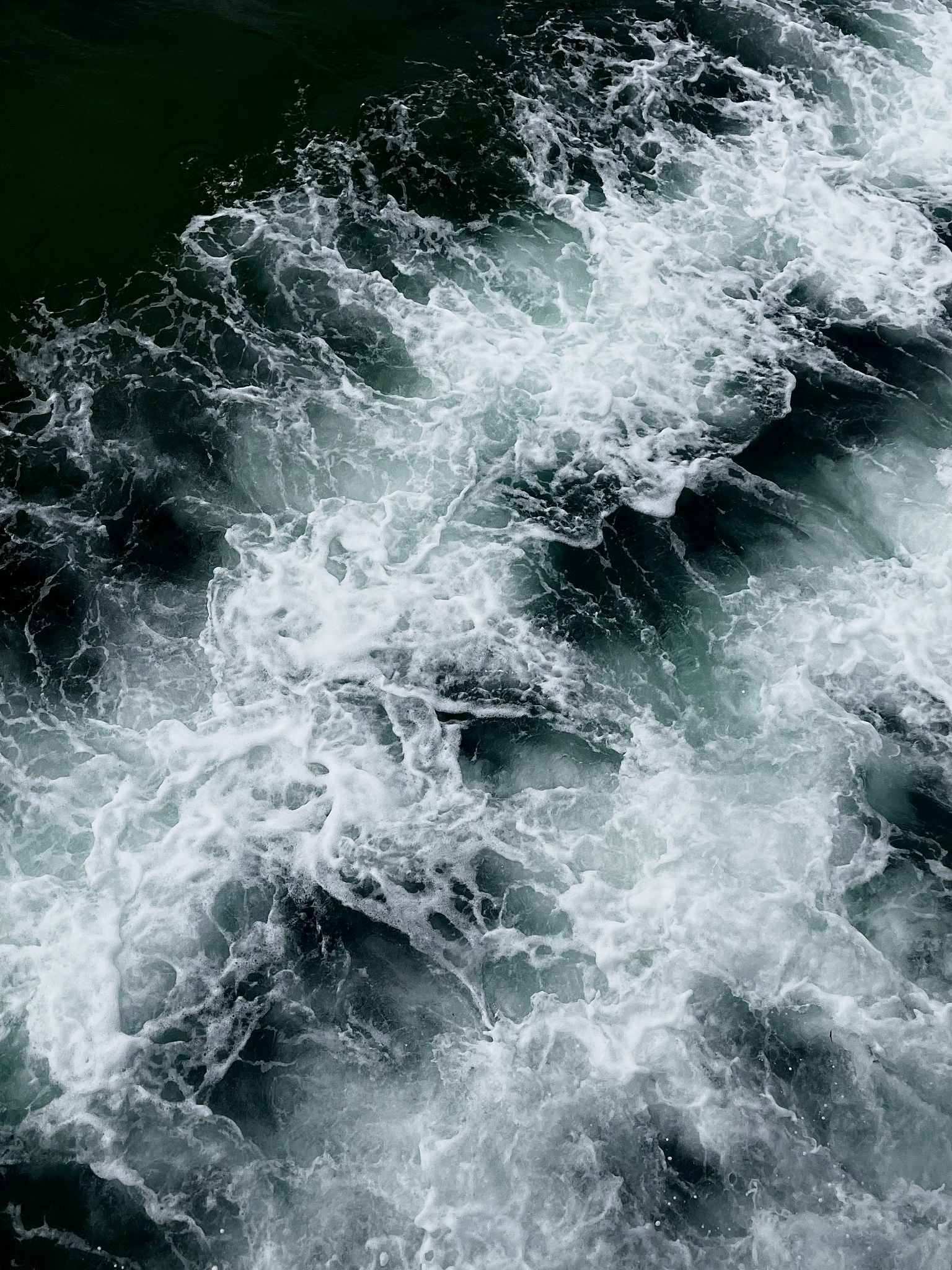
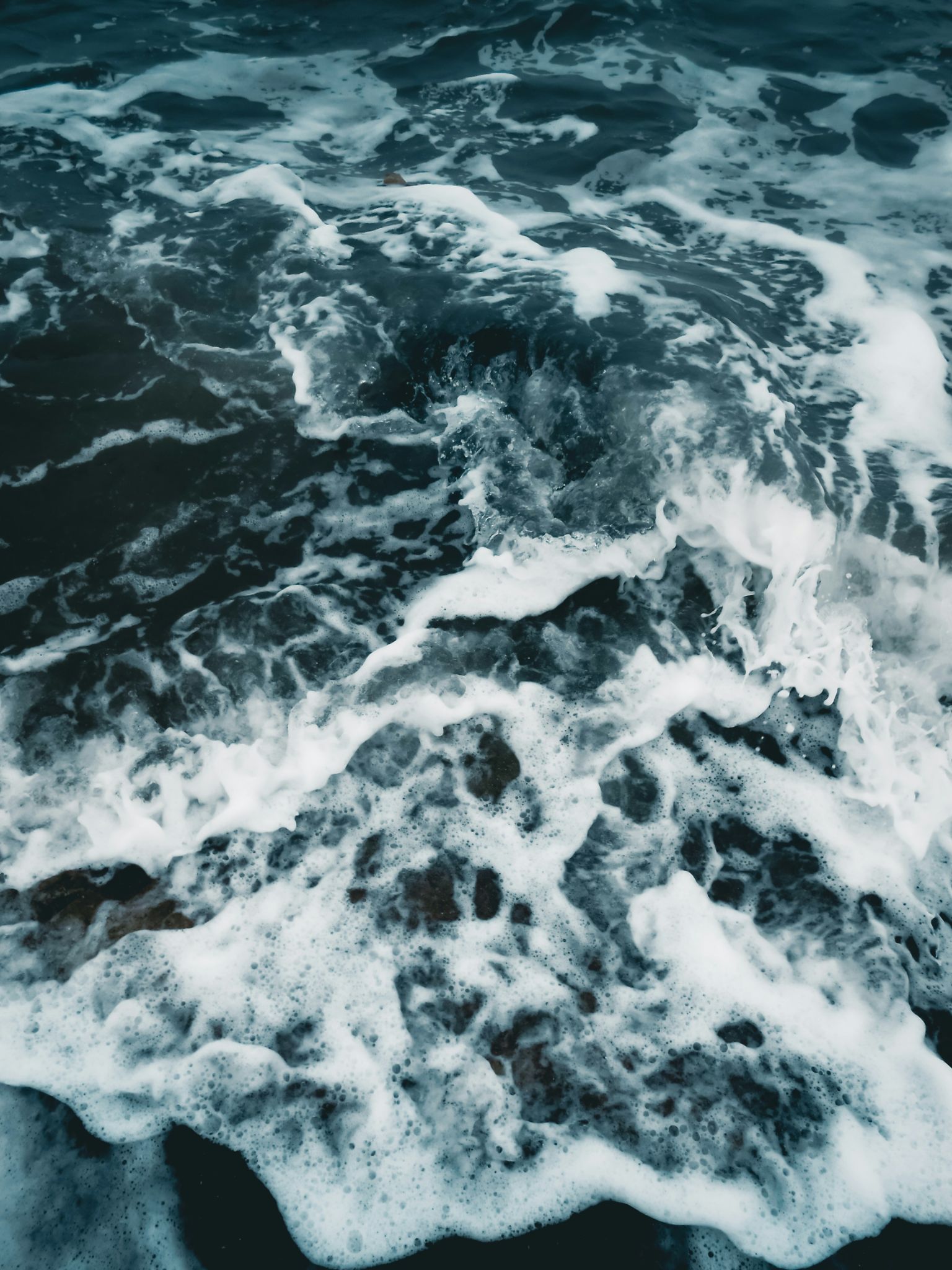
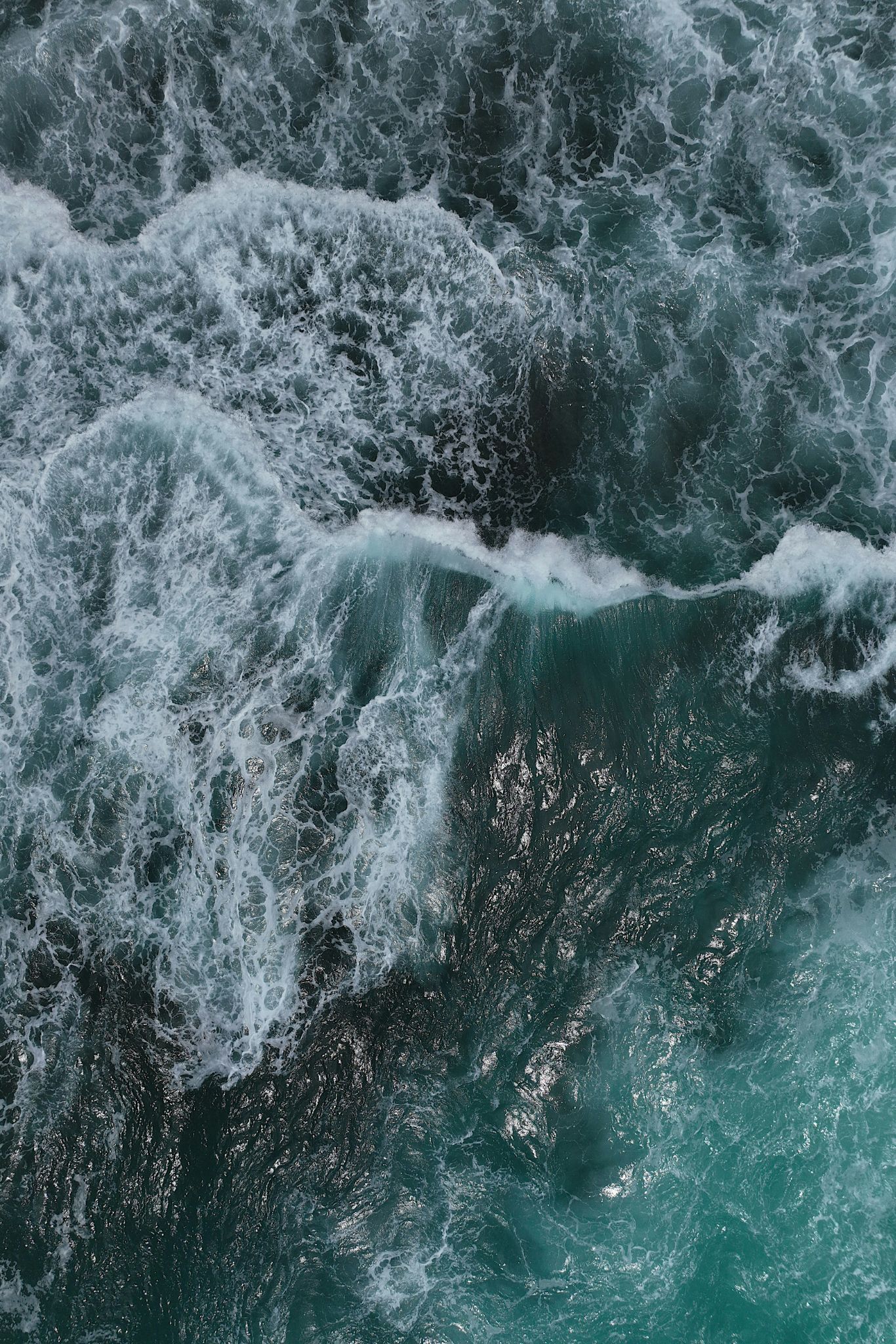
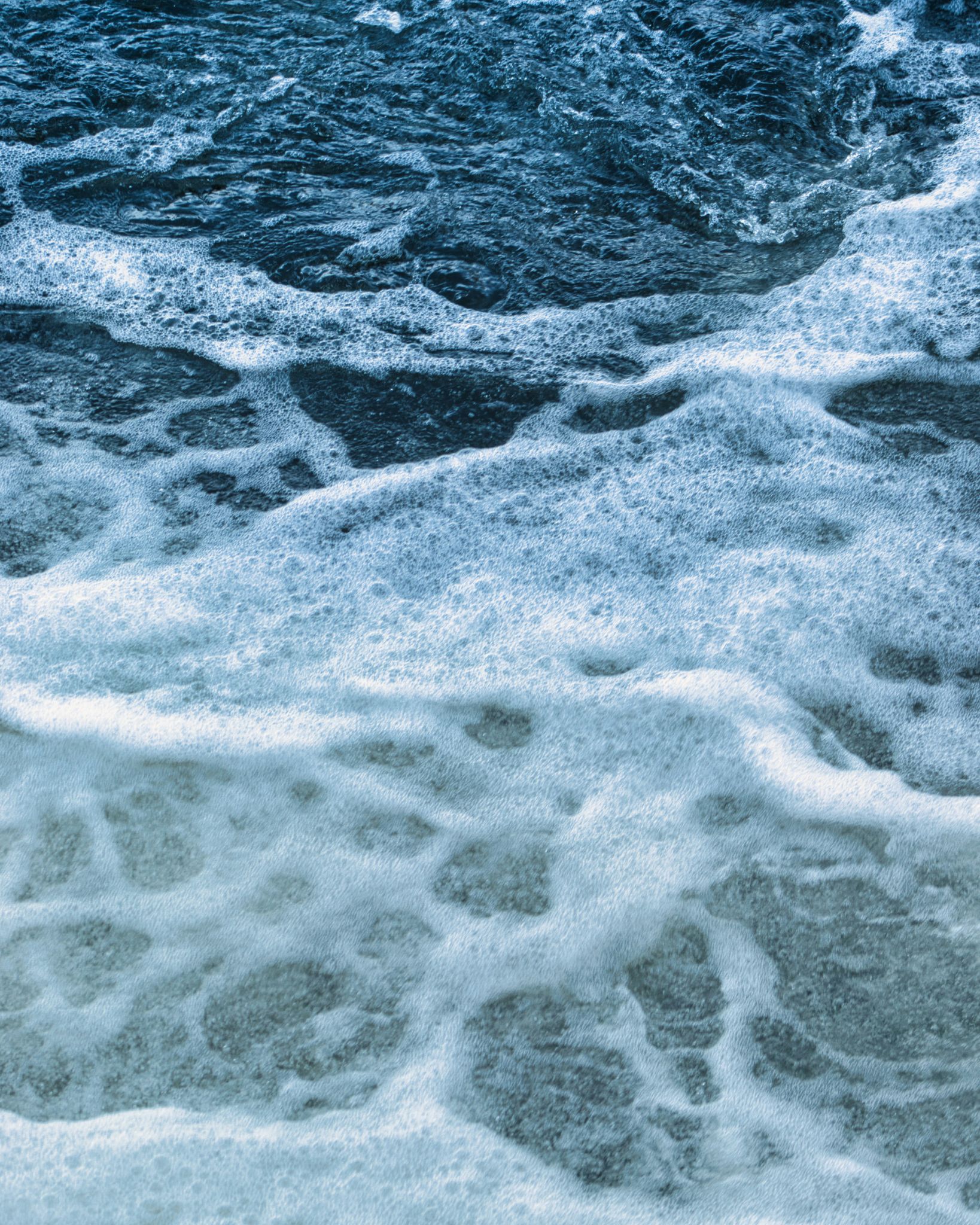
💡 In case you need more images: only images of water with foams, especially close-ups. Never showing too much open angles or far away angles.
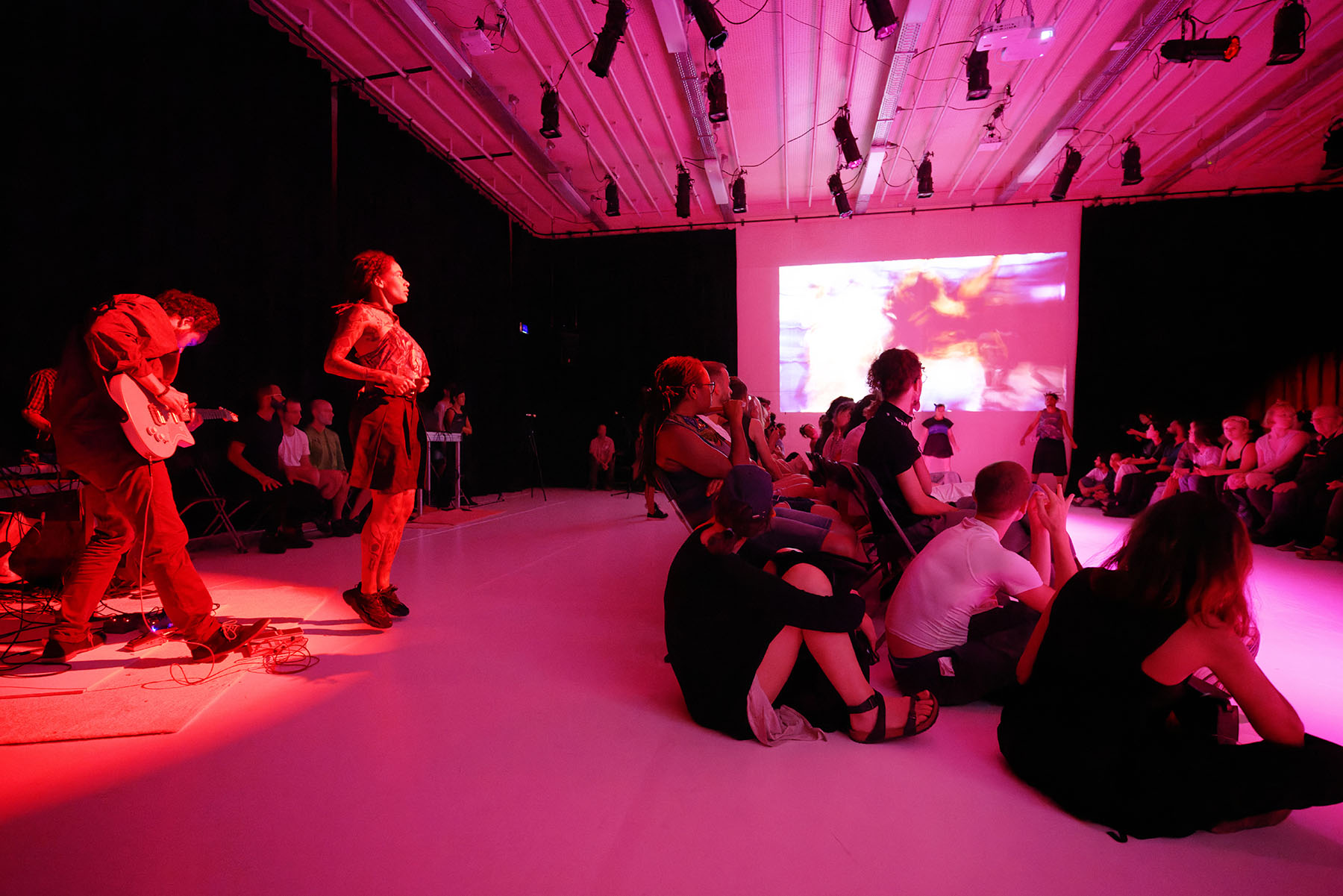
Body
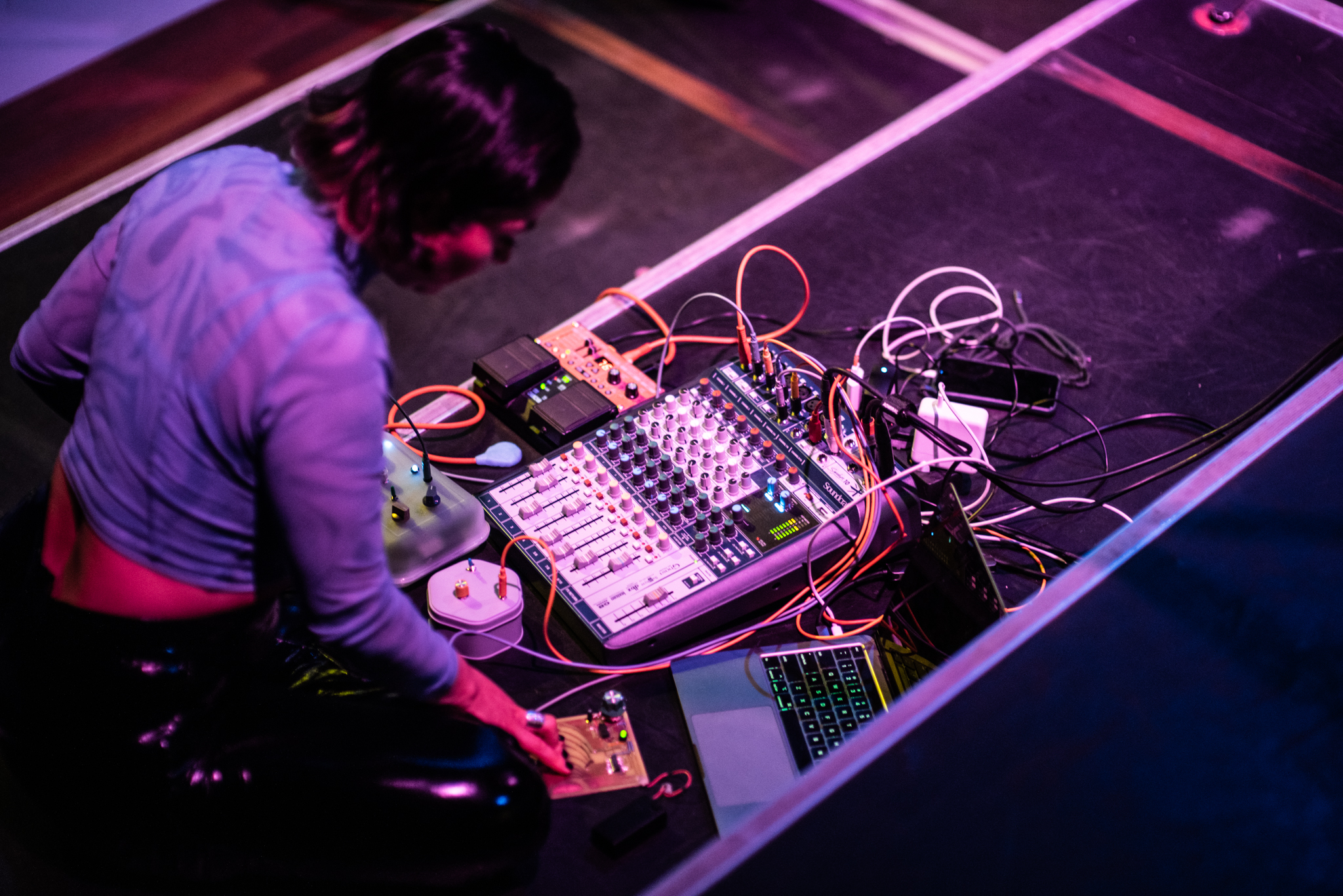
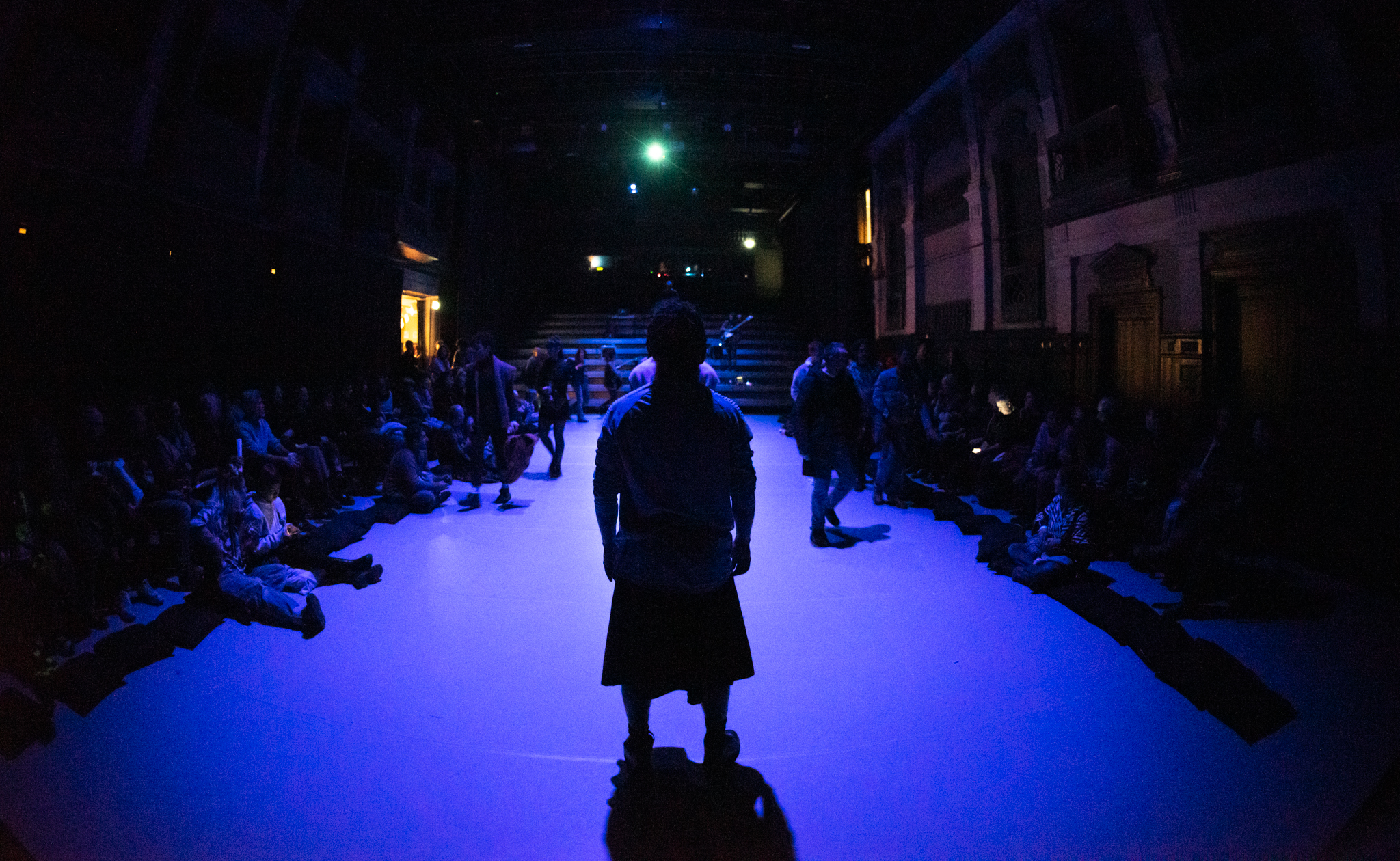
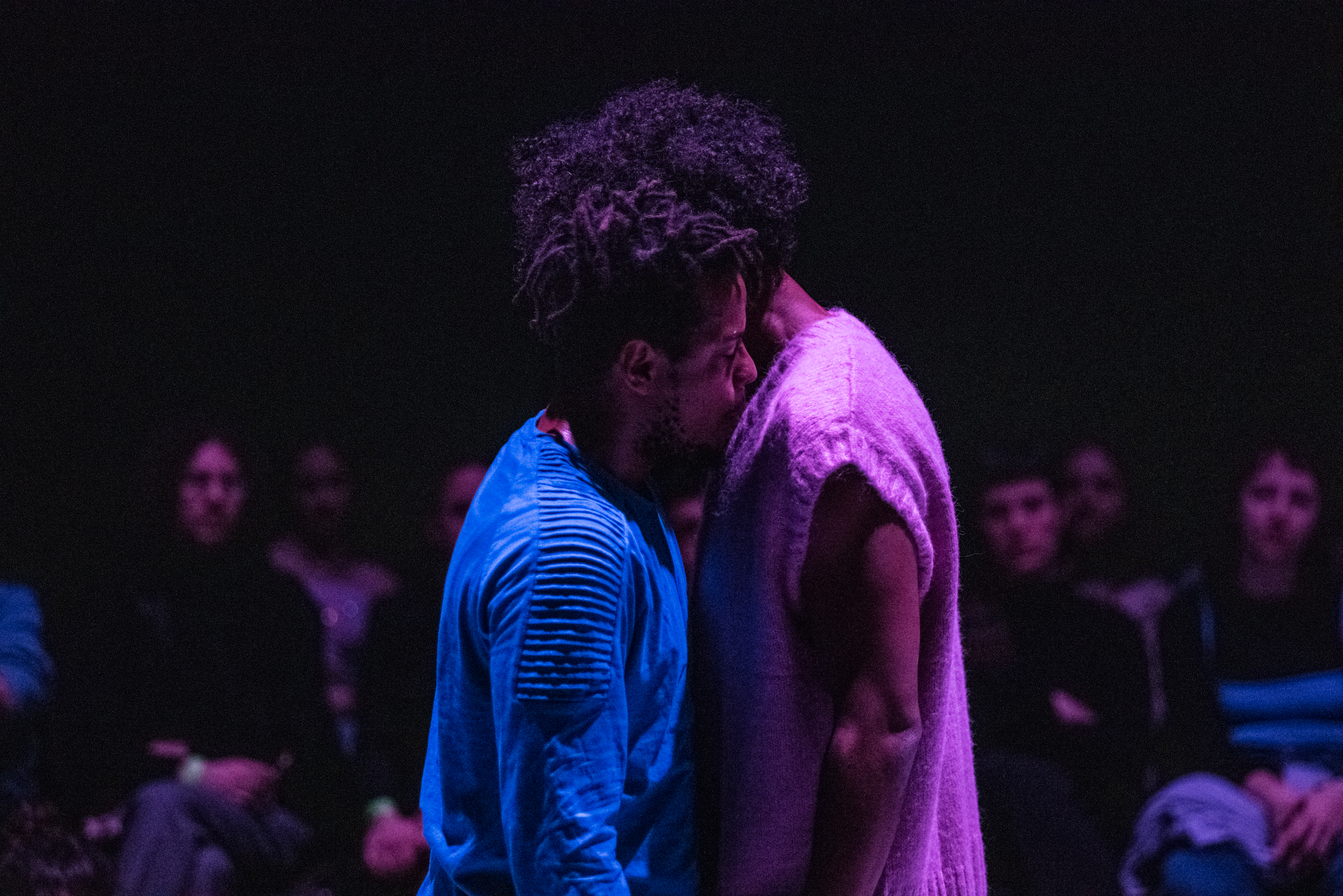
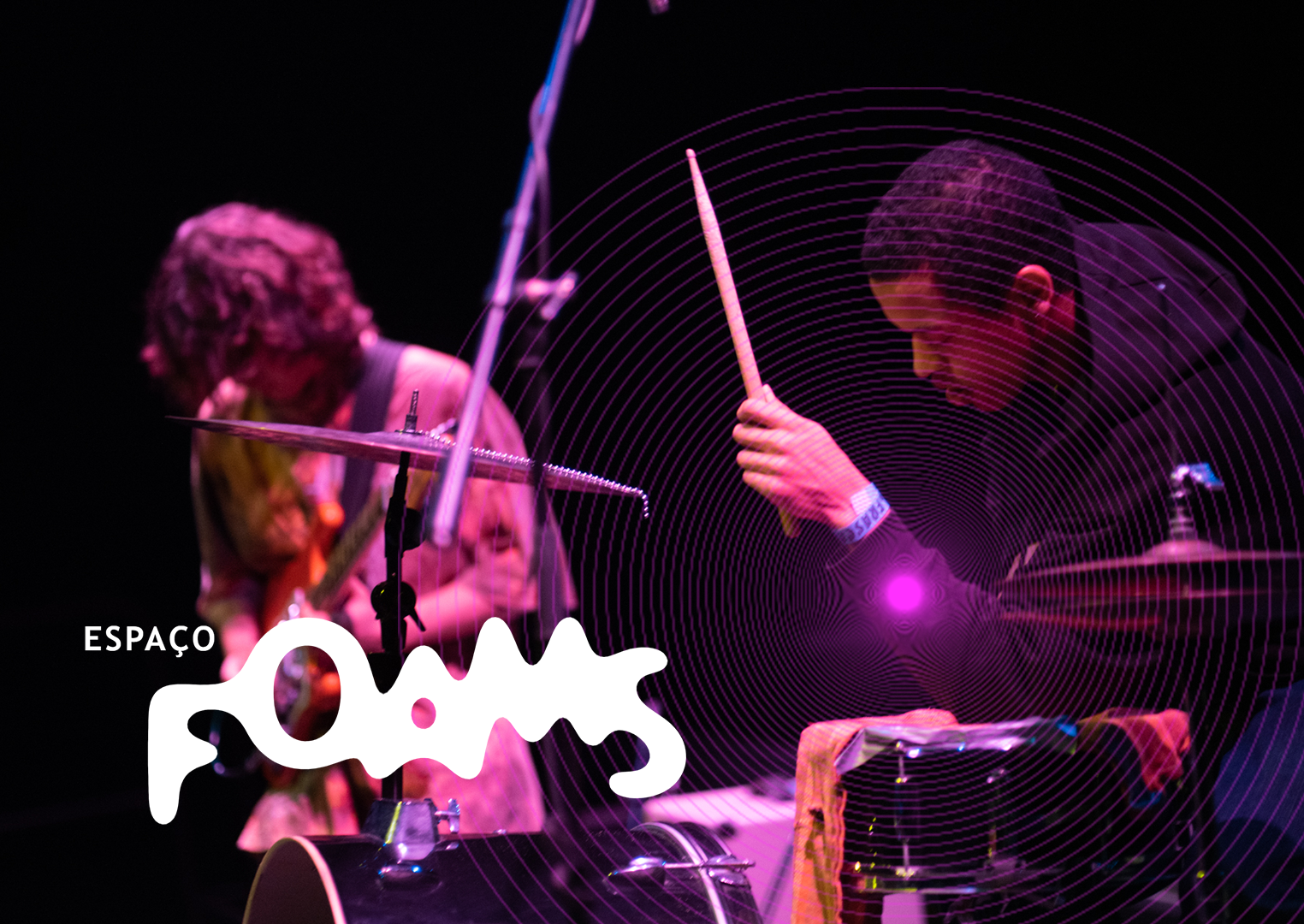
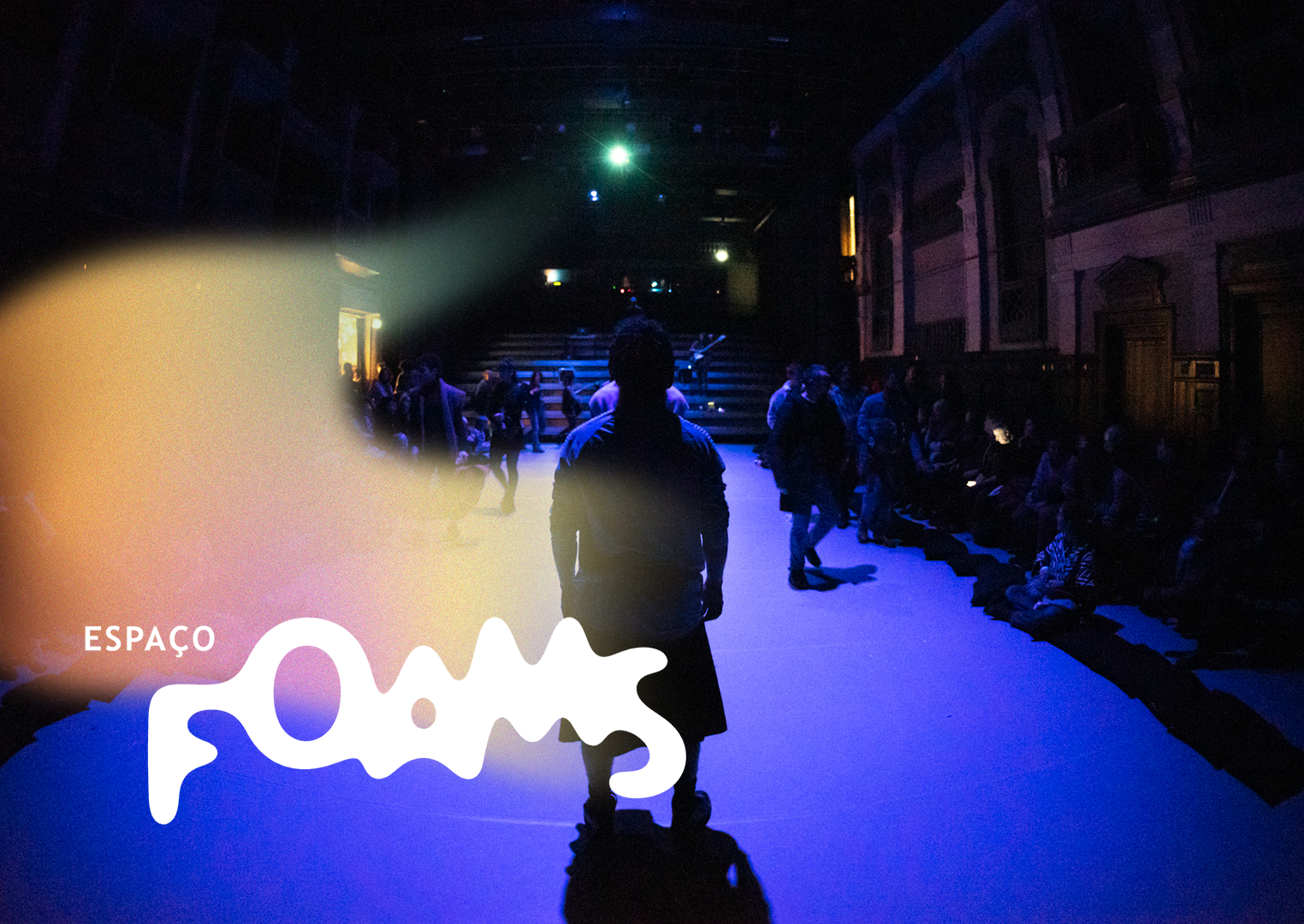
People, performers, human presence and movement.
⚠️ Use with: Pink Vectors OR Focus Light — never both
Landscape
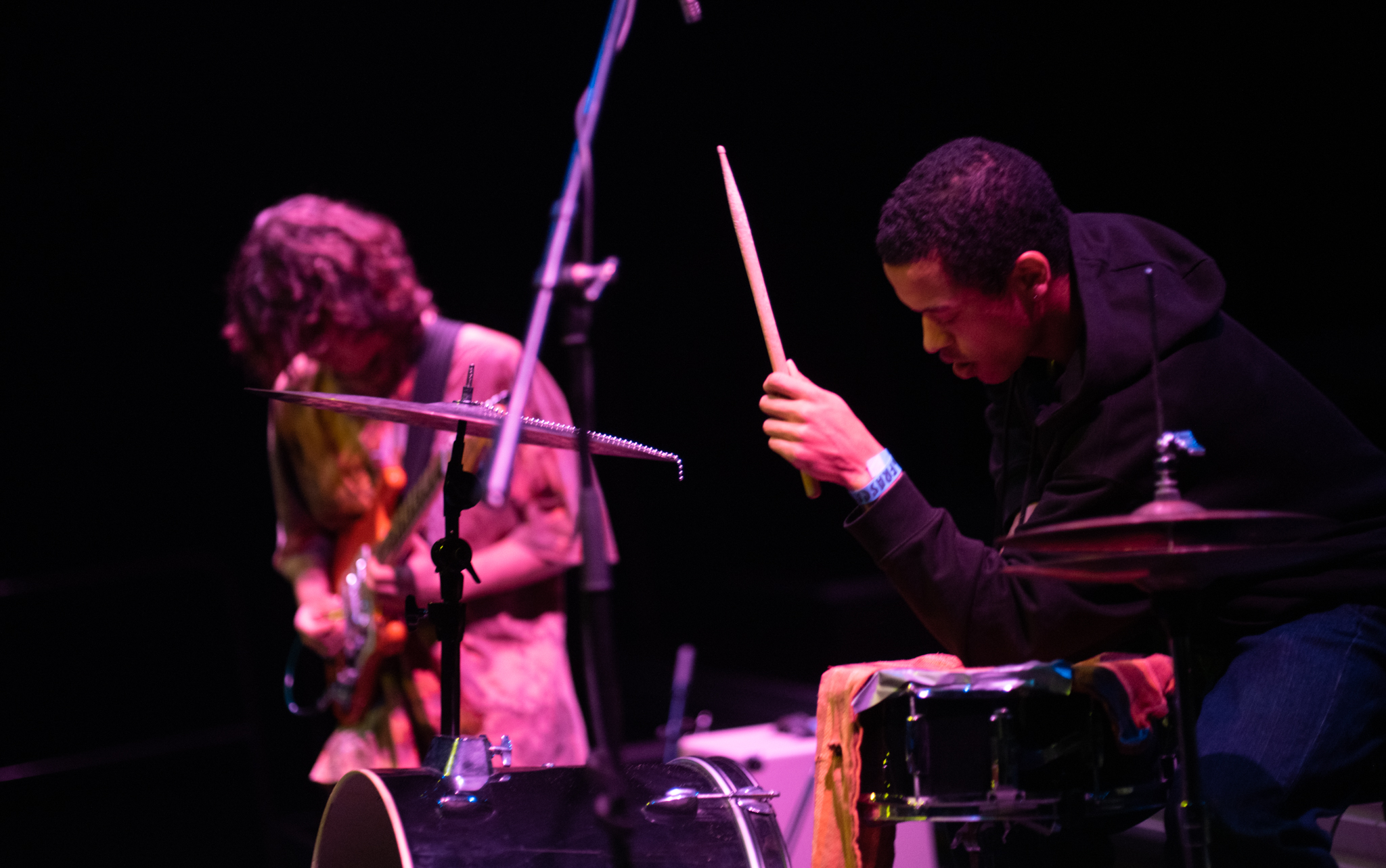
Portrait
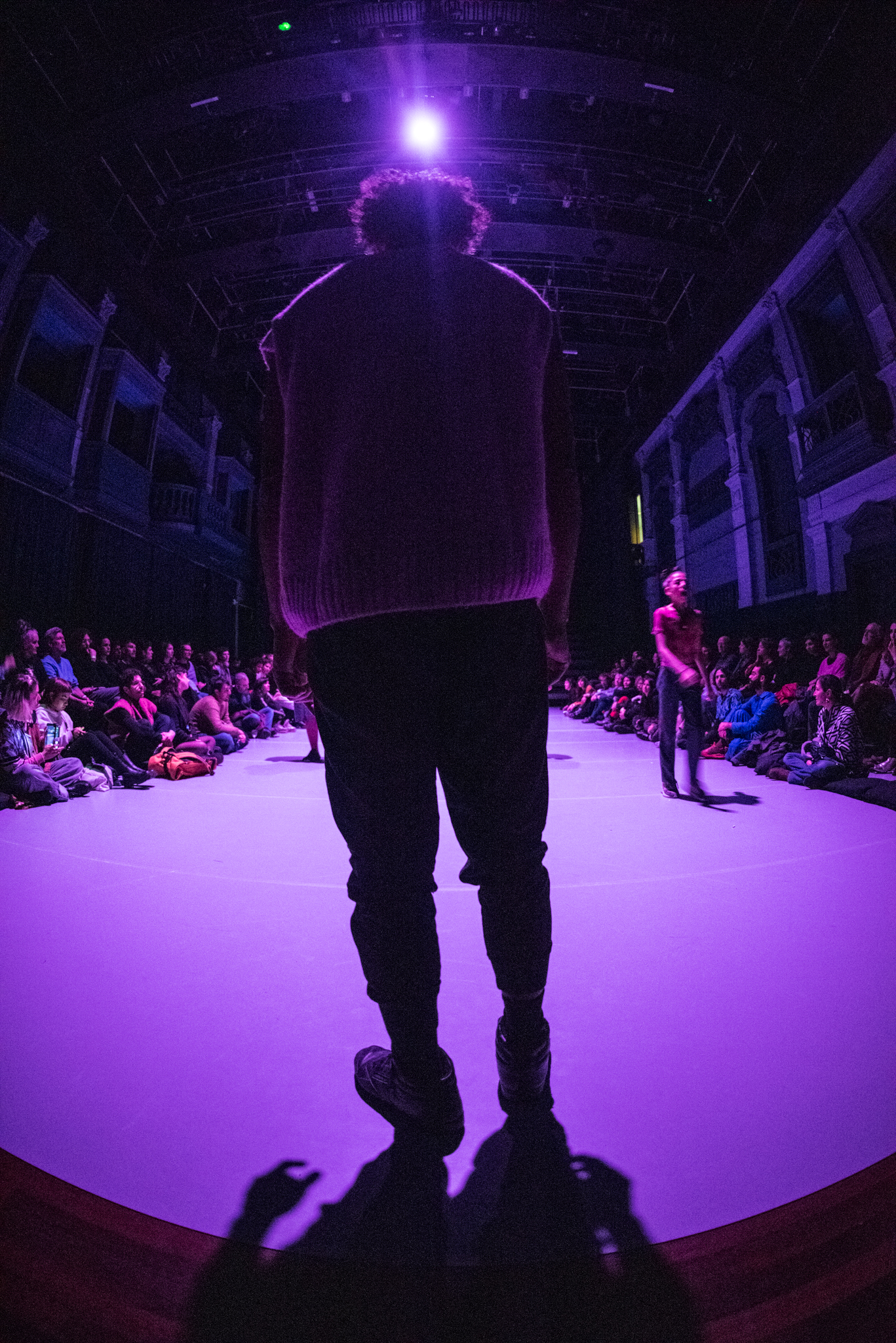
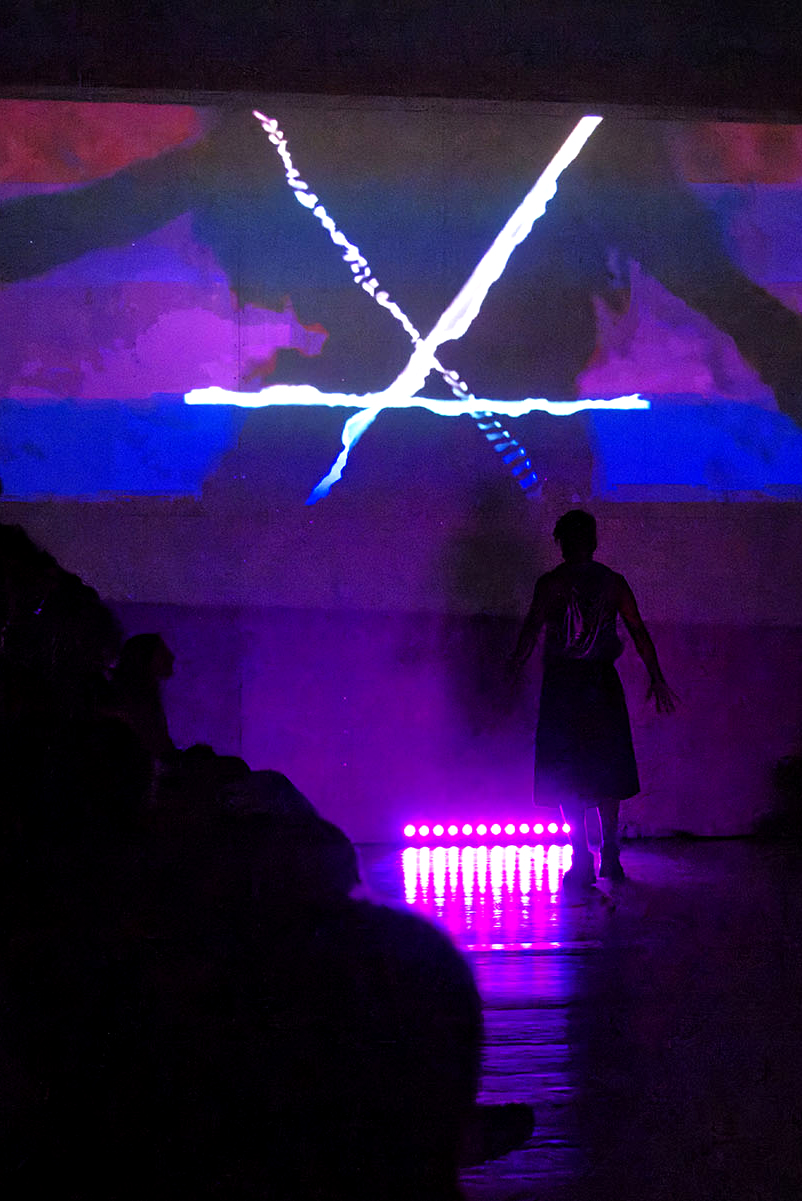
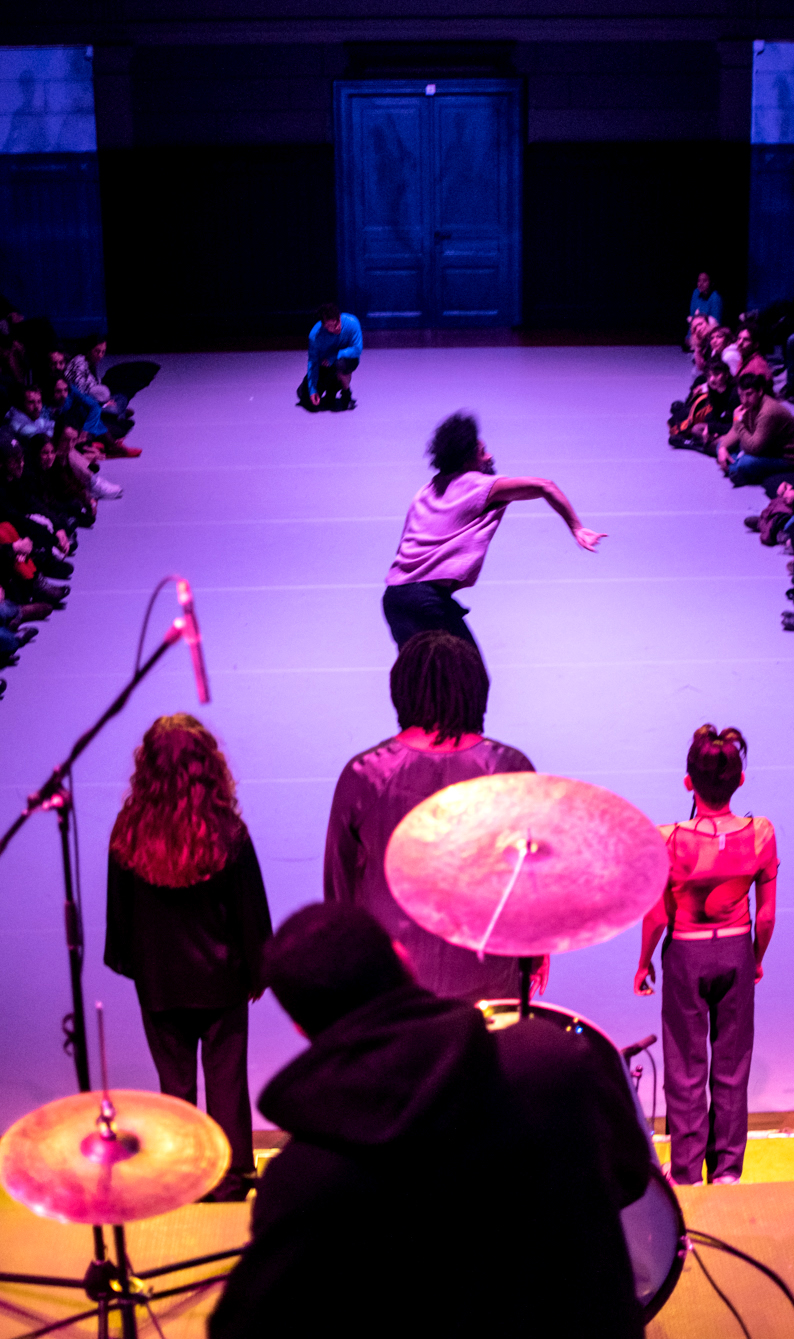
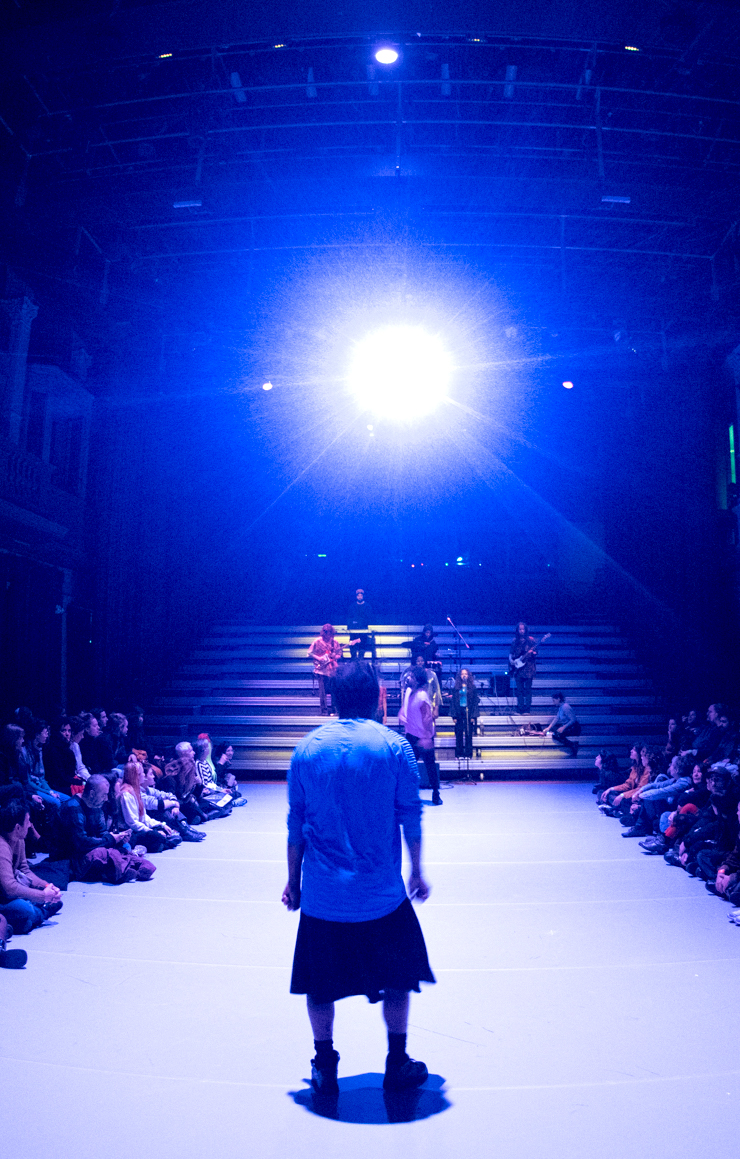
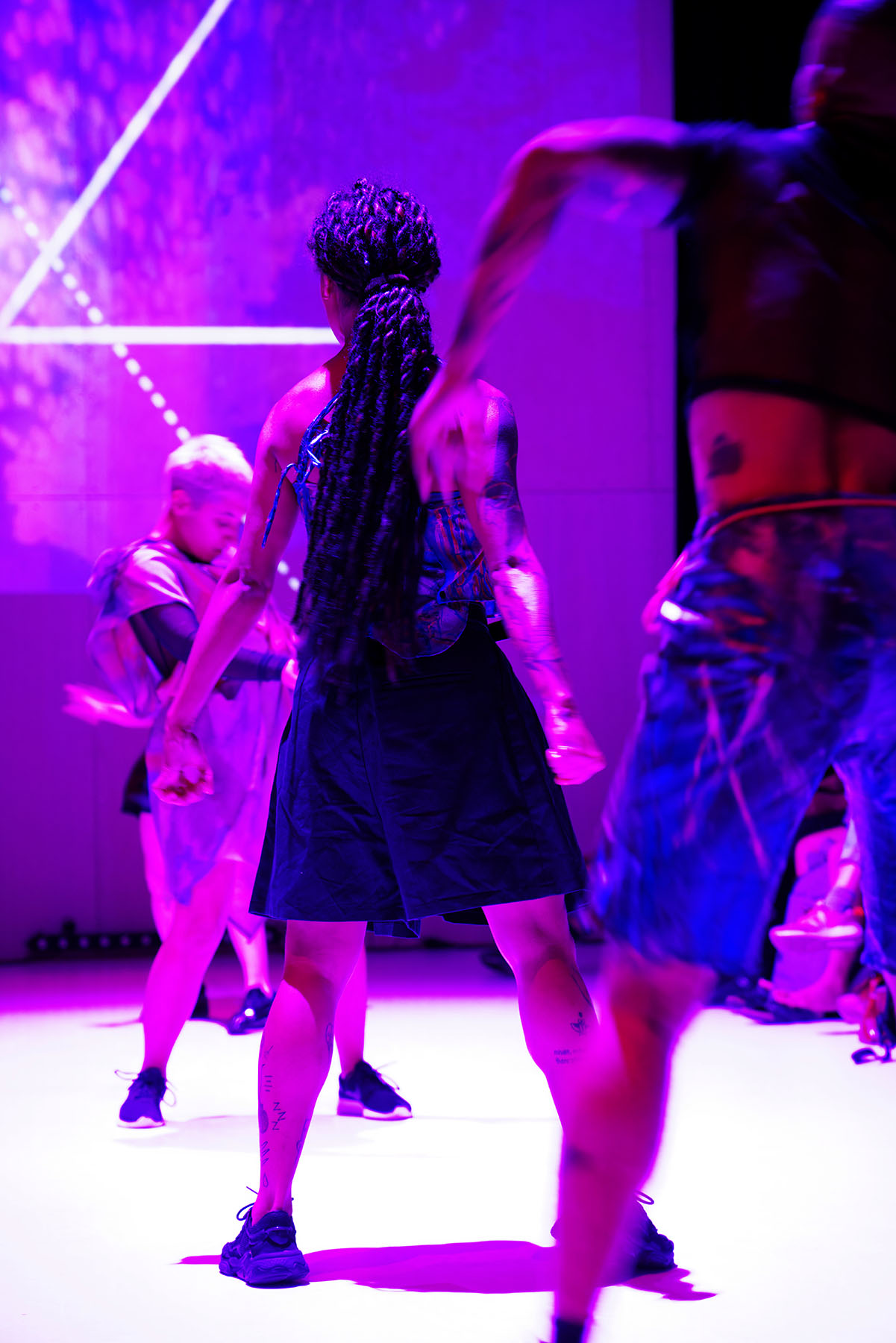
💡 In case you need more images: only consensual and not too revealing images. Look for shadows, back angles, and seriously avoid showing people's faces. Look for stage design, lights, smoke and nice angles from performances.
Examples of Usage
See the brand in action across different formats and contexts — combining logo, graphic elements, and photography.
Landscape
Portrait
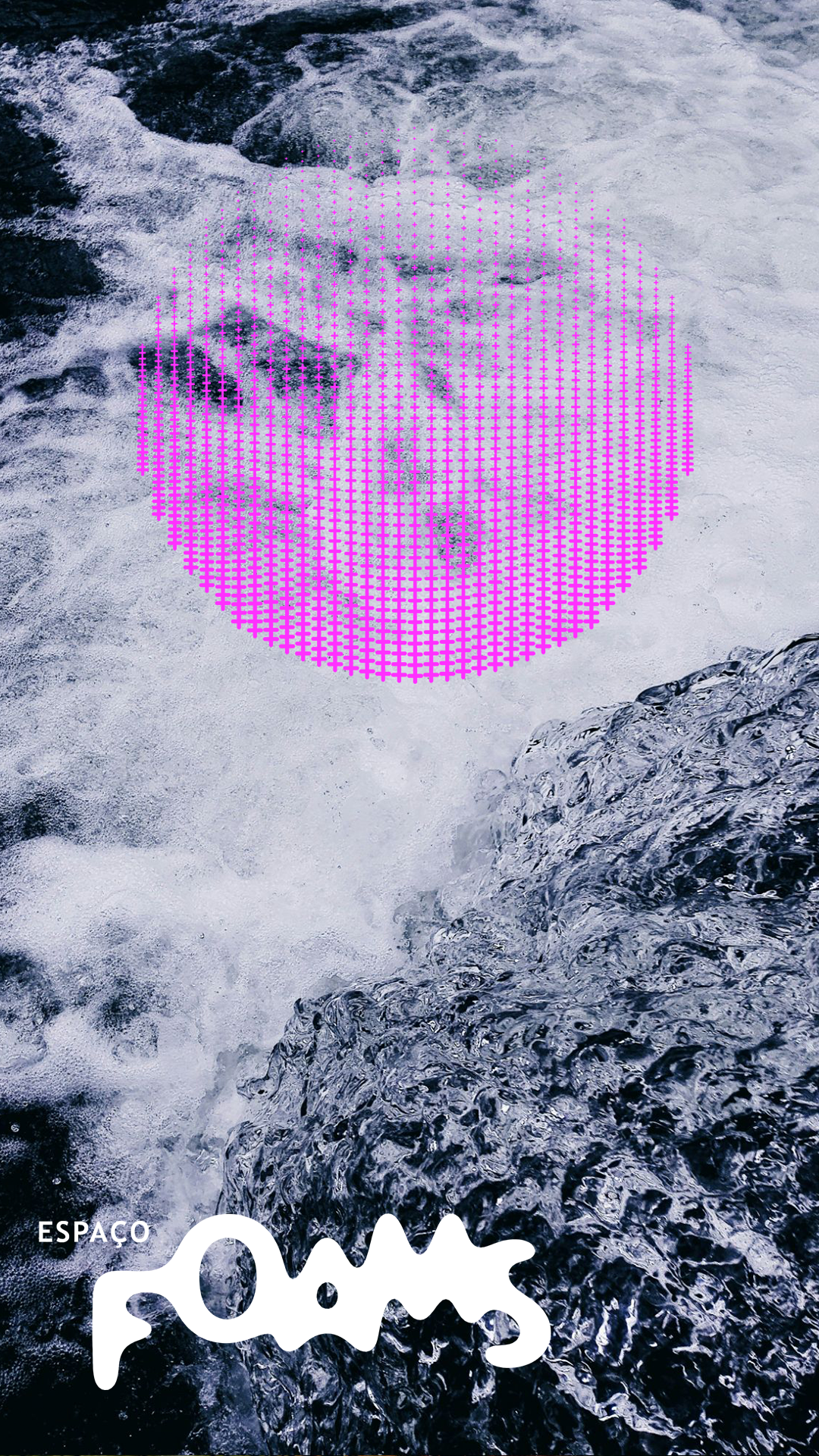
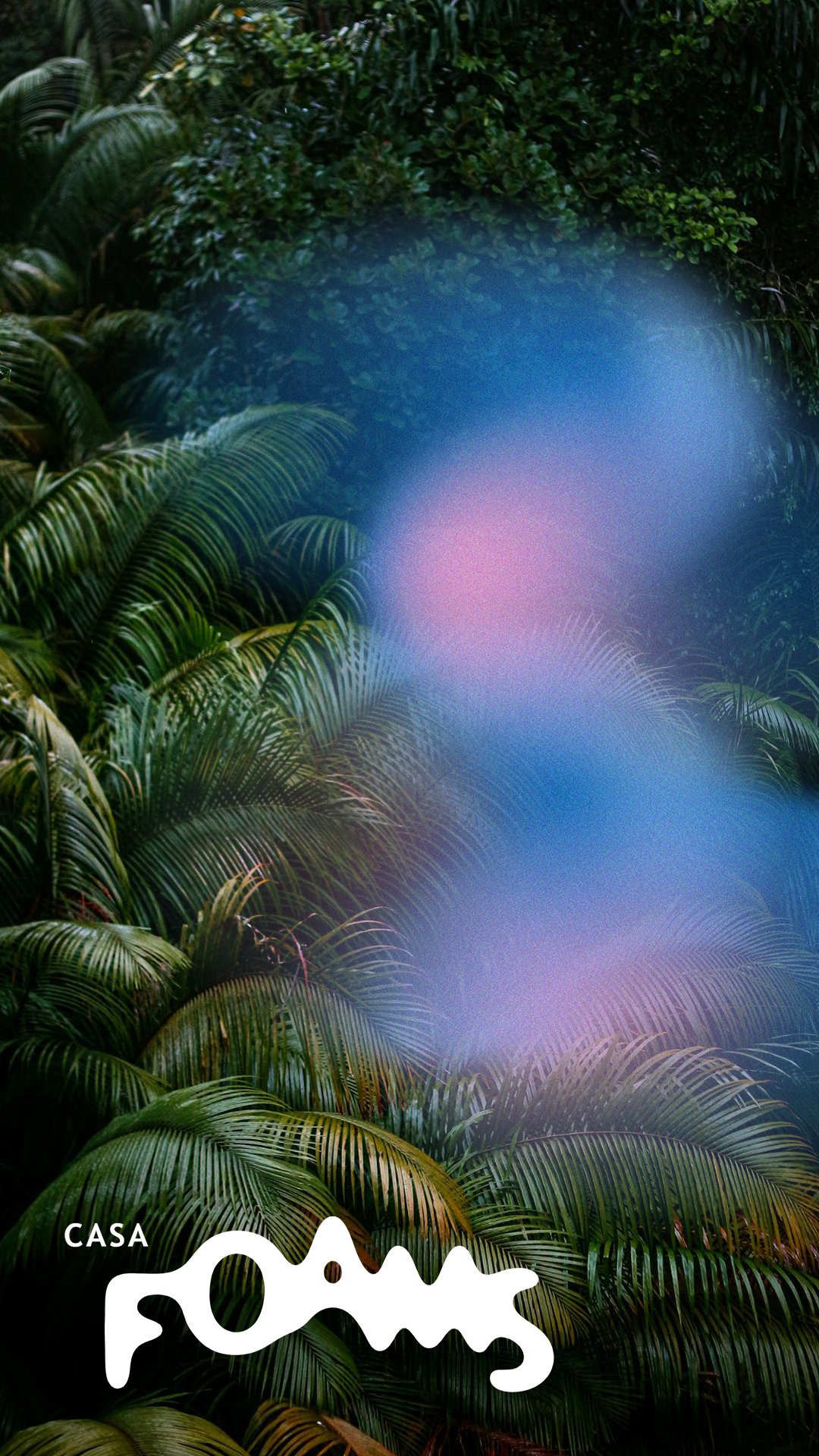
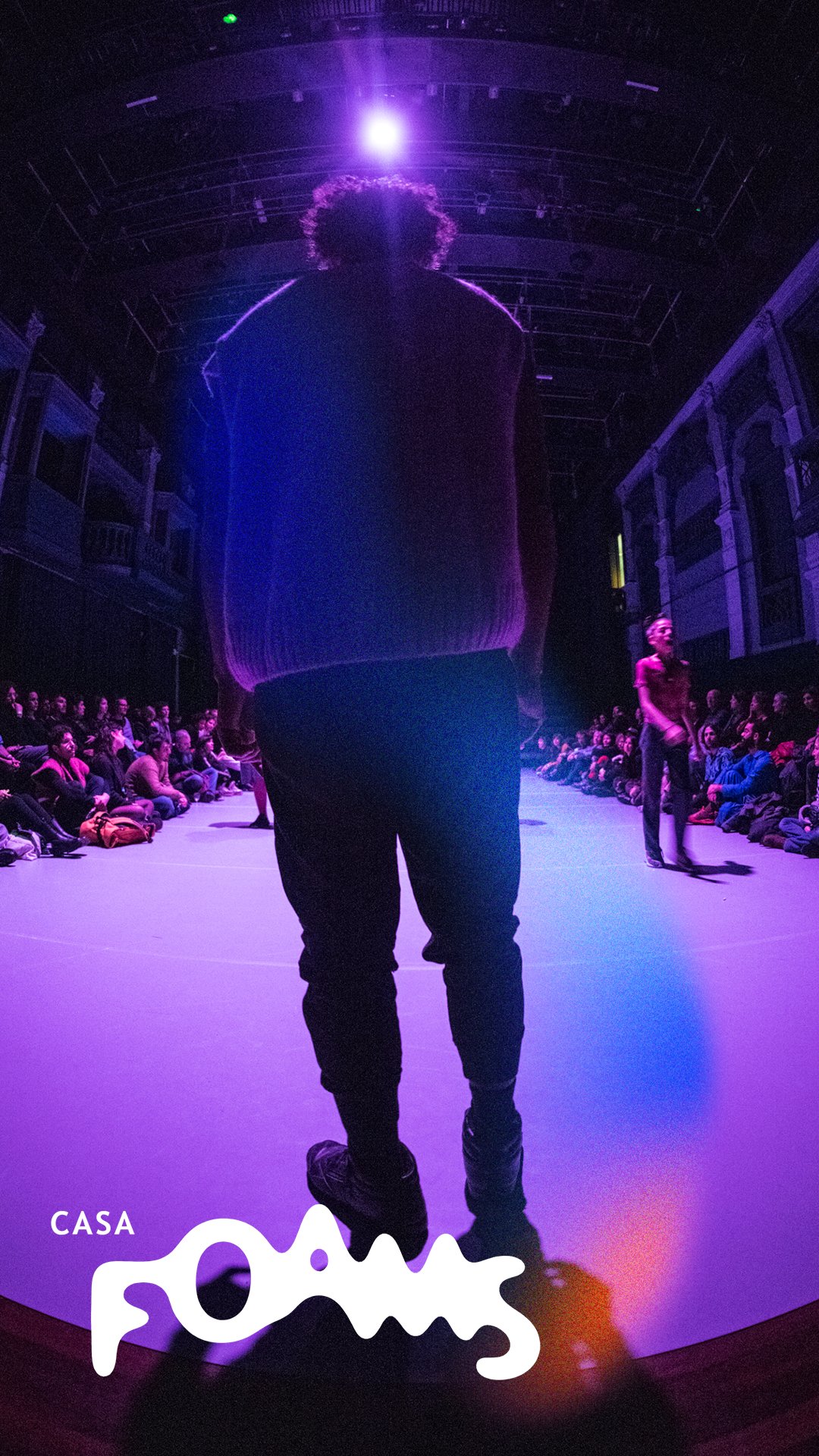
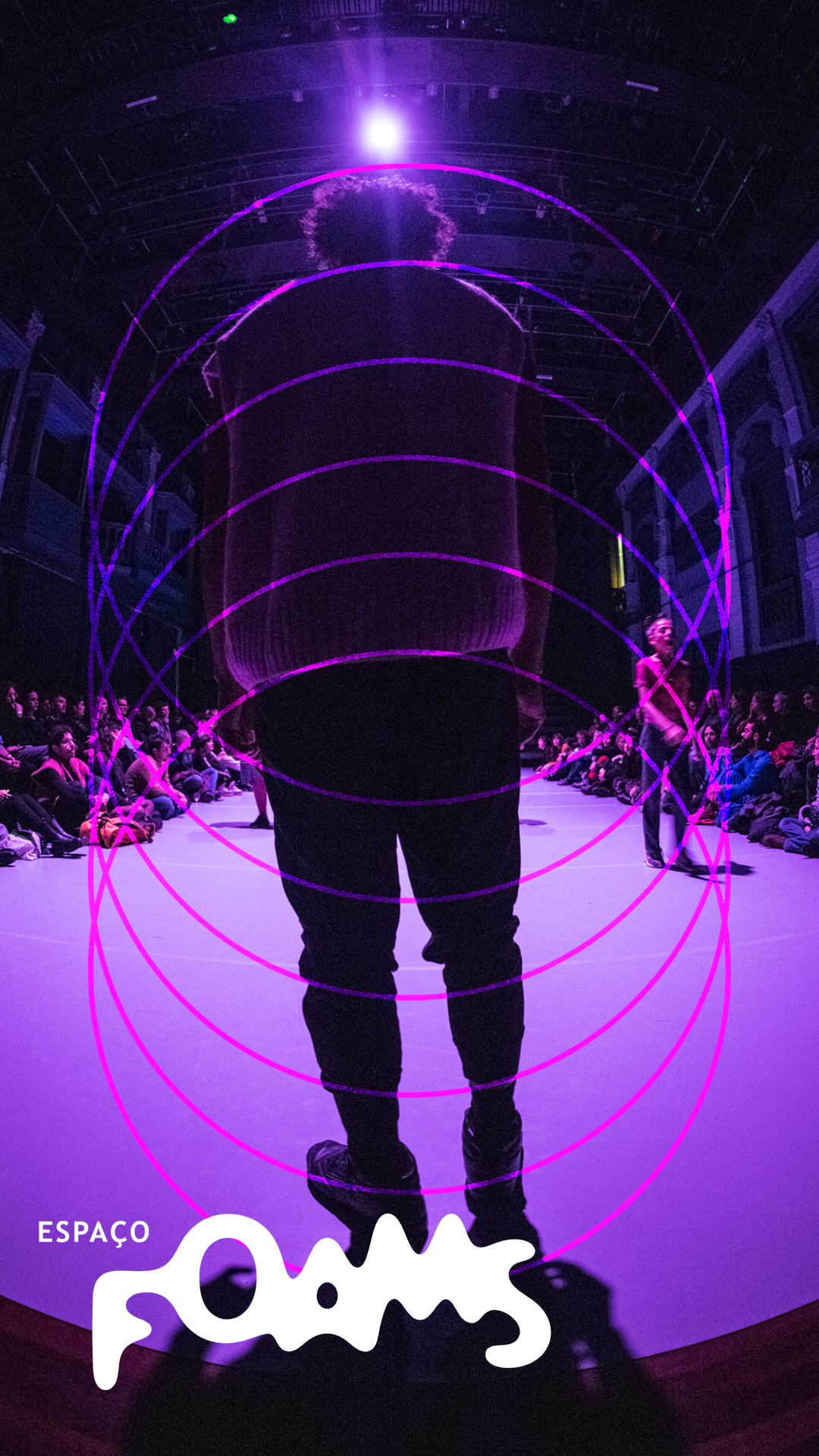
Exemplos Generativos
Pode-se também usar ferramentas generativas para criar imagens facilmente utilizando os diferentes elementos, sempre seguindo as regras de uso. Abaixo estão exemplos generativos, incluindo uma ferramenta para criar diferentes imagens para usar em rede sociais e divulgações.
Paisagem
Retrato
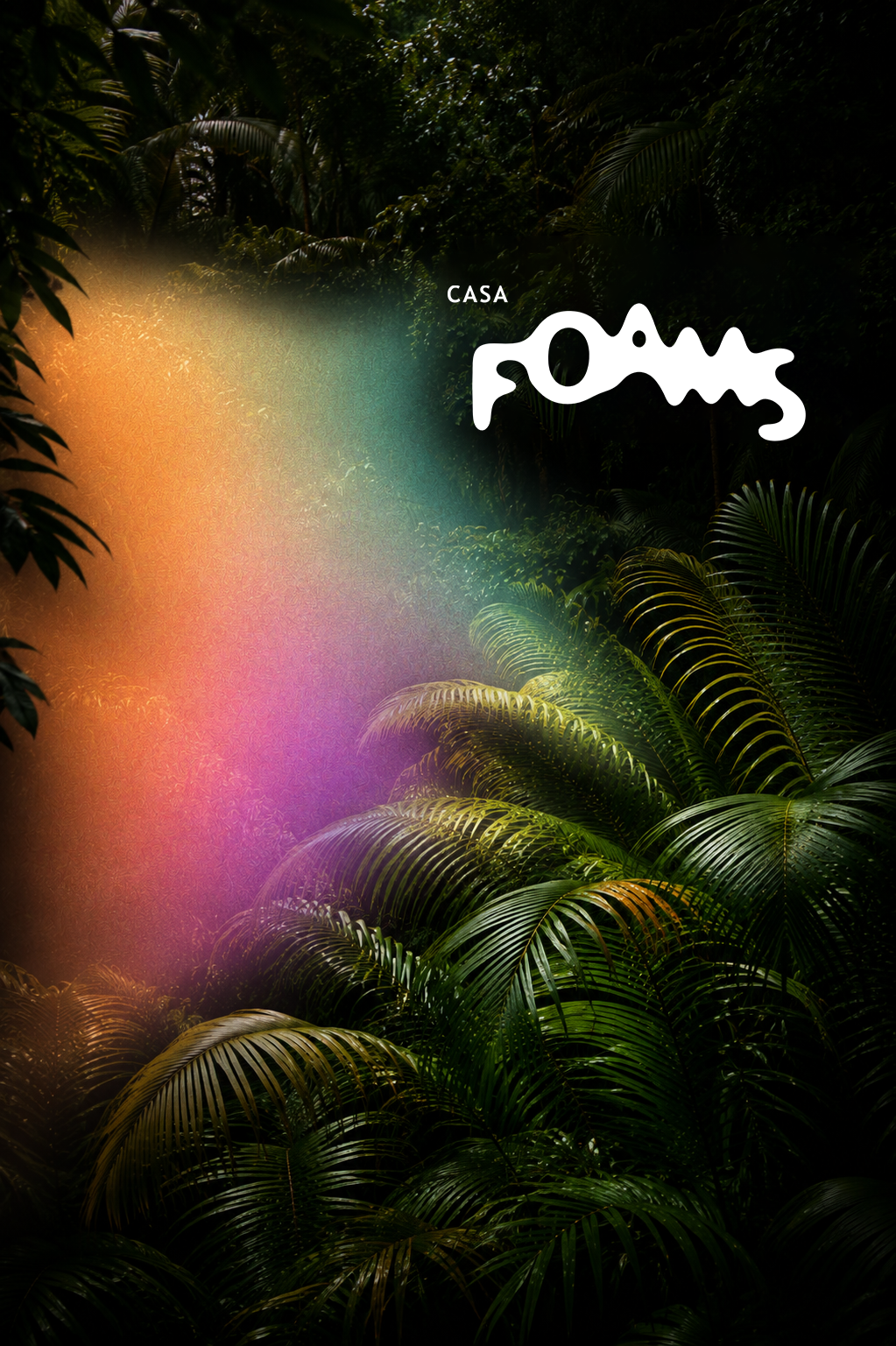
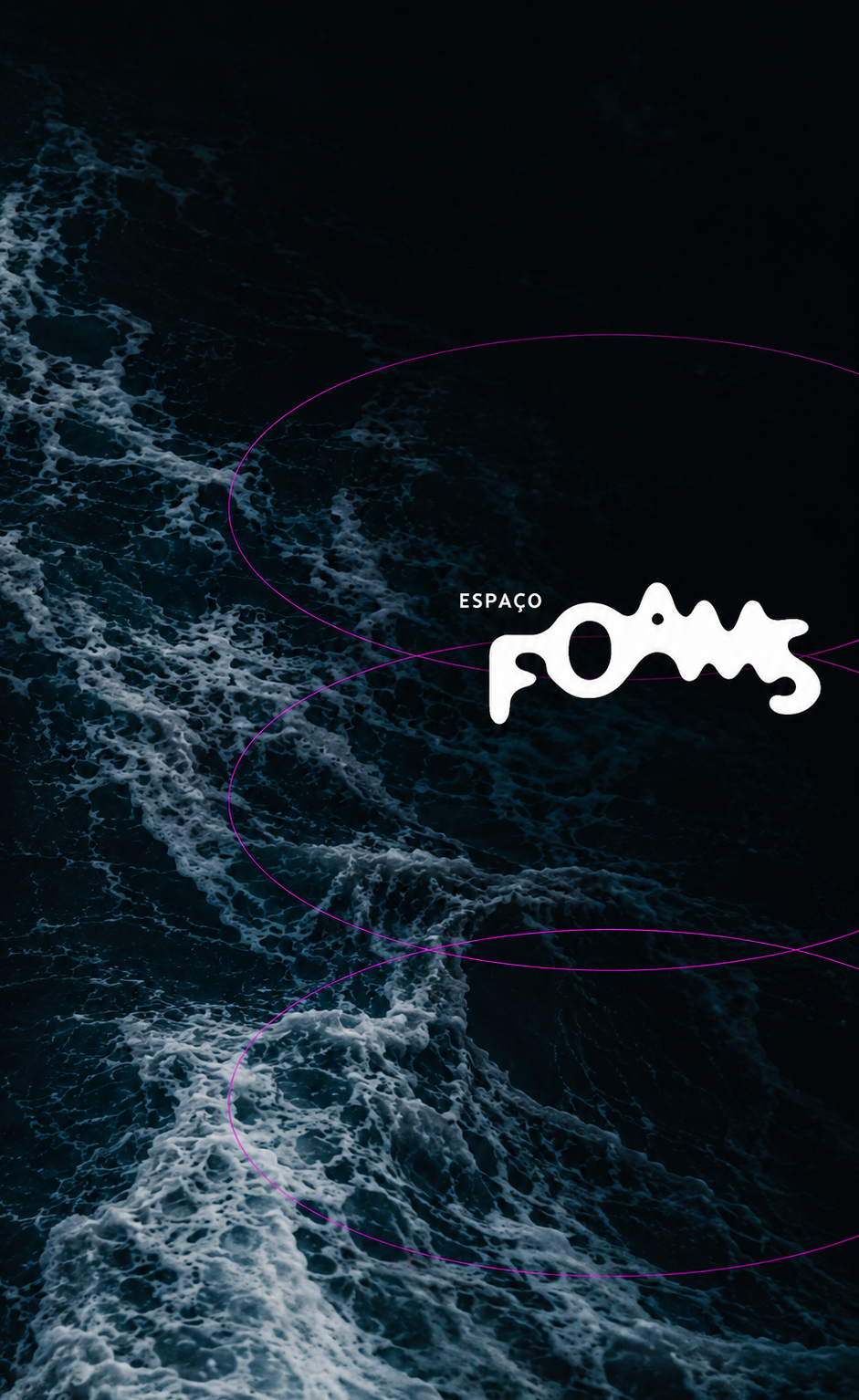
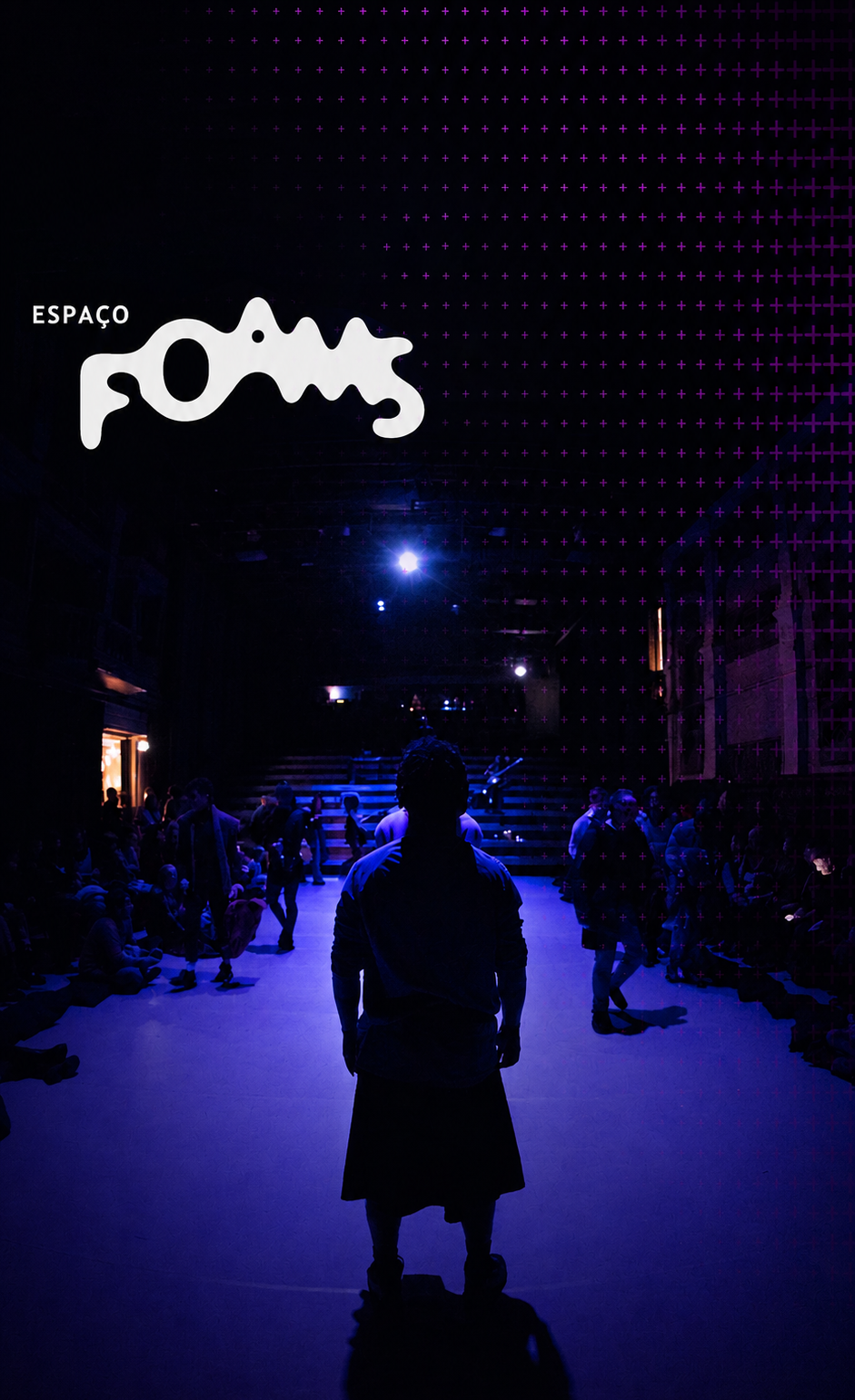
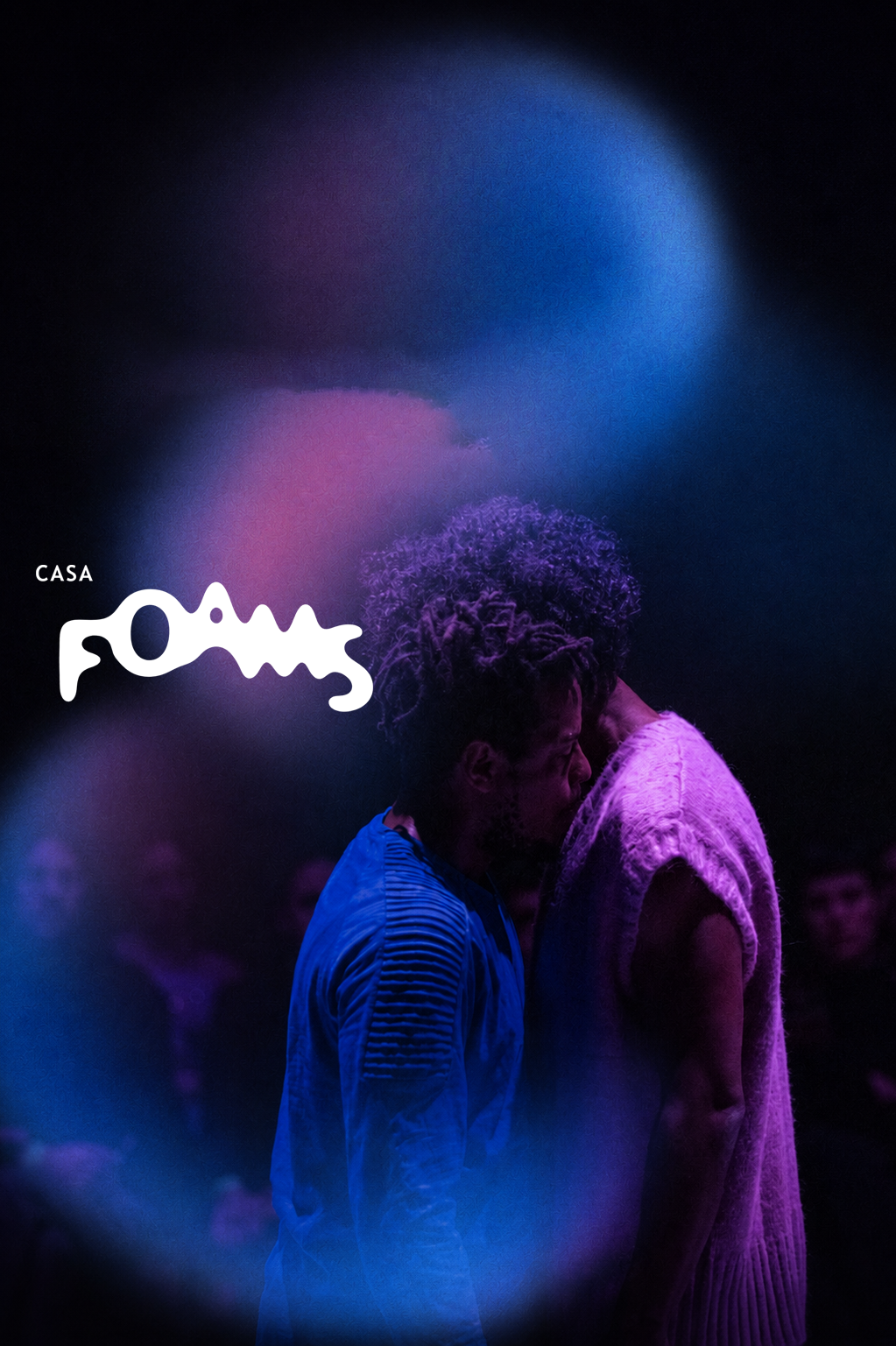
PROMPT GUIDELINES
- O logo deve ser posicionado em um local agradável, como em tríade. Não exatamente no centro
- Use a imagem e o elemento gráfico apenas uma vez cada
- O elemento gráfico deve estar sobre a imagem, não separado
- Sinta-se livre para usar modos de mesclagem, mas não é obrigatório
- Mantenha a vibe elegante, moderna e um pouco misteriosa
- Para paisagem use resolução: 1920 × 1080
- Para retrato use resolução: 1080 × 1920
Keep it fluid.
FOAMS is a living brand. The logo shifts, the images breathe, and the elements flow. These guidelines exist not to constrain but to give you a foundation to explore from. Feel free to use the generators or create your own.
When in doubt: stay bold, stay fluid.
FOAMS Brand Guidelinescasafoams.com